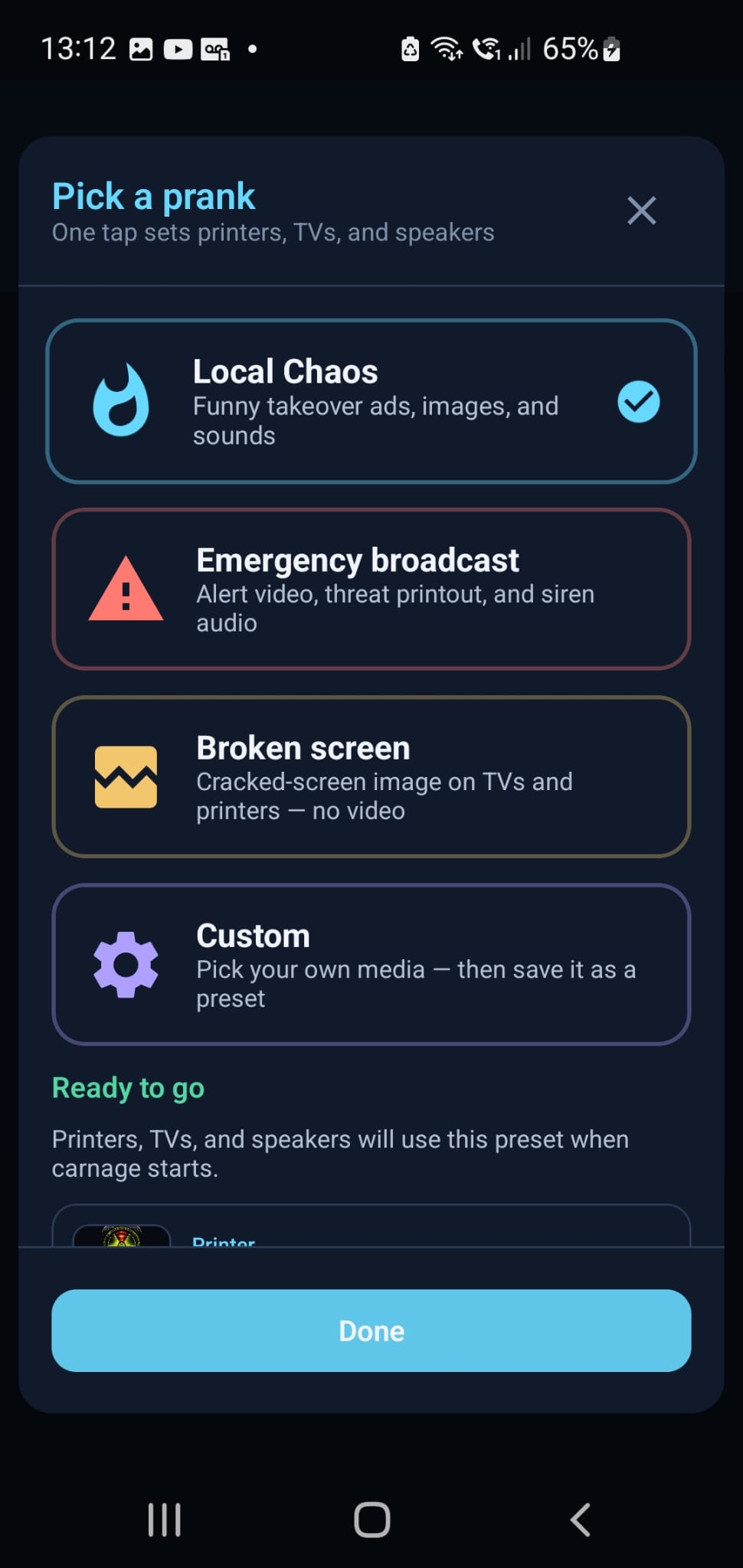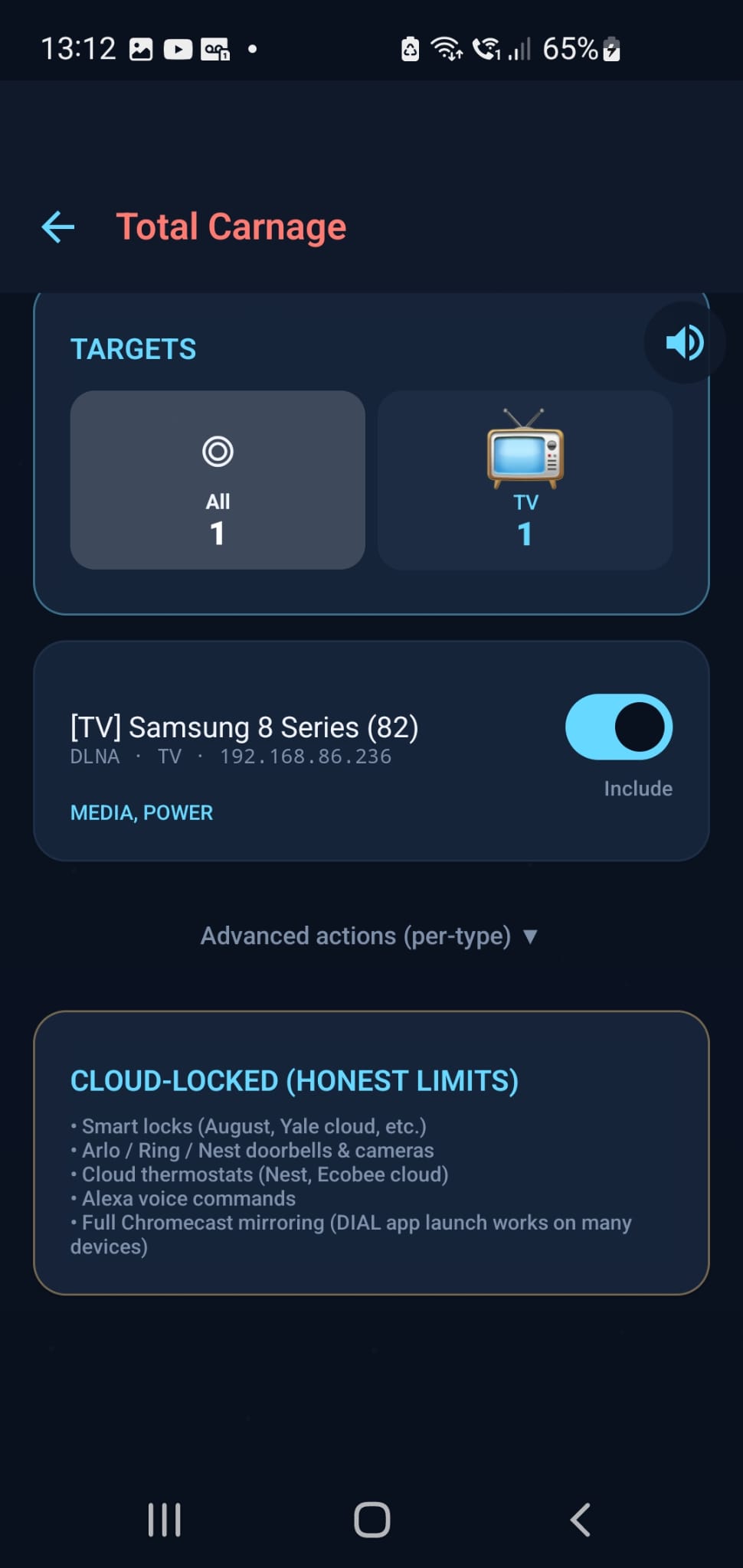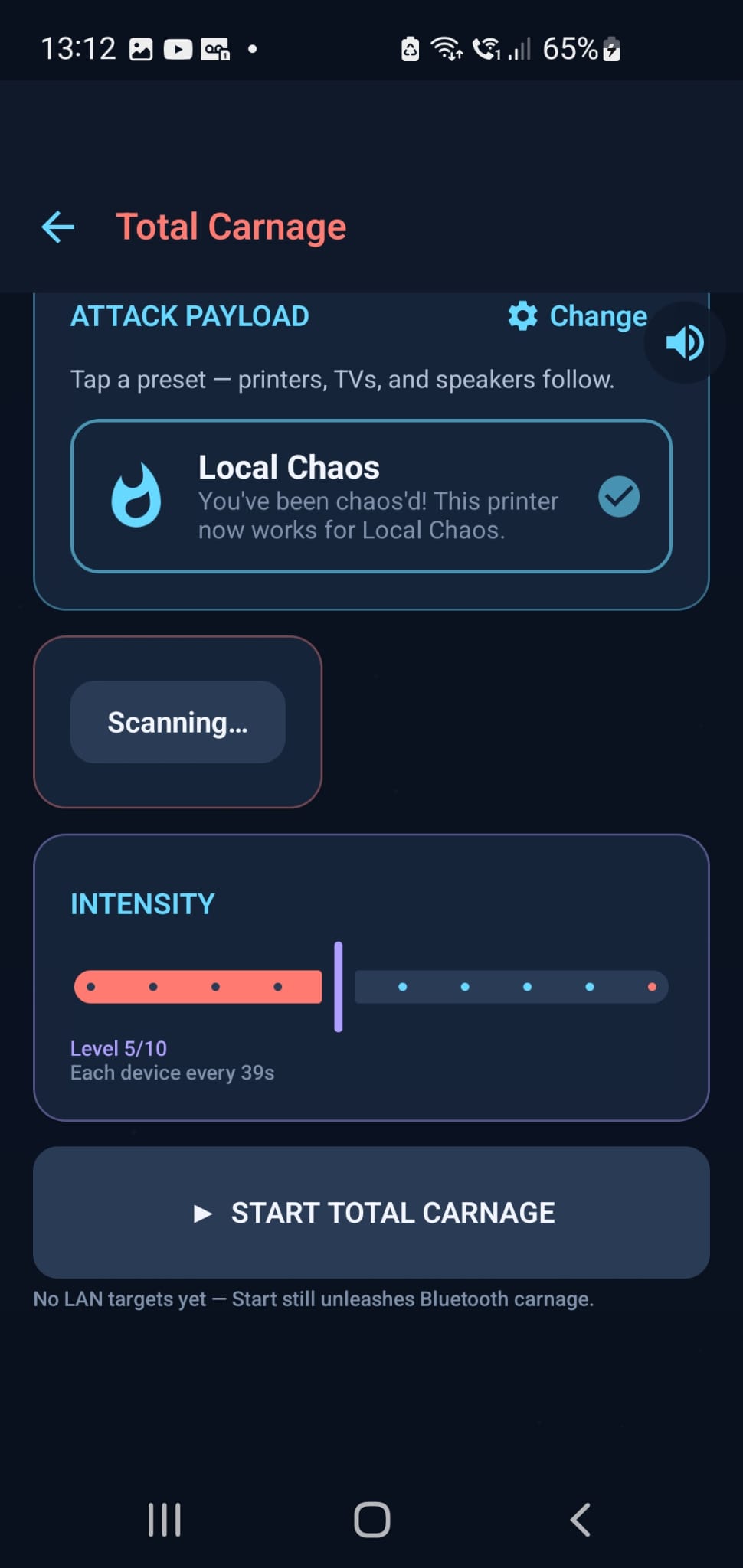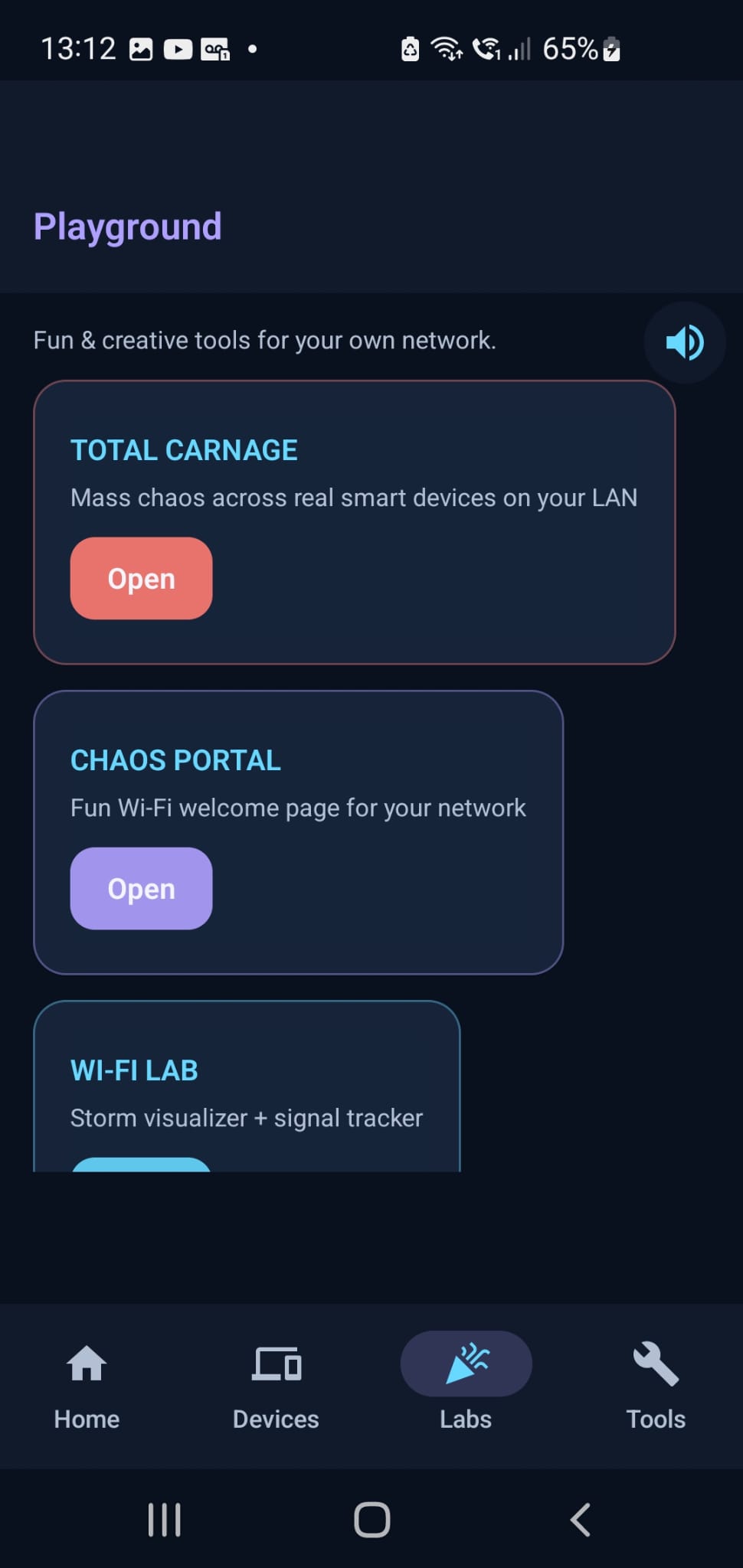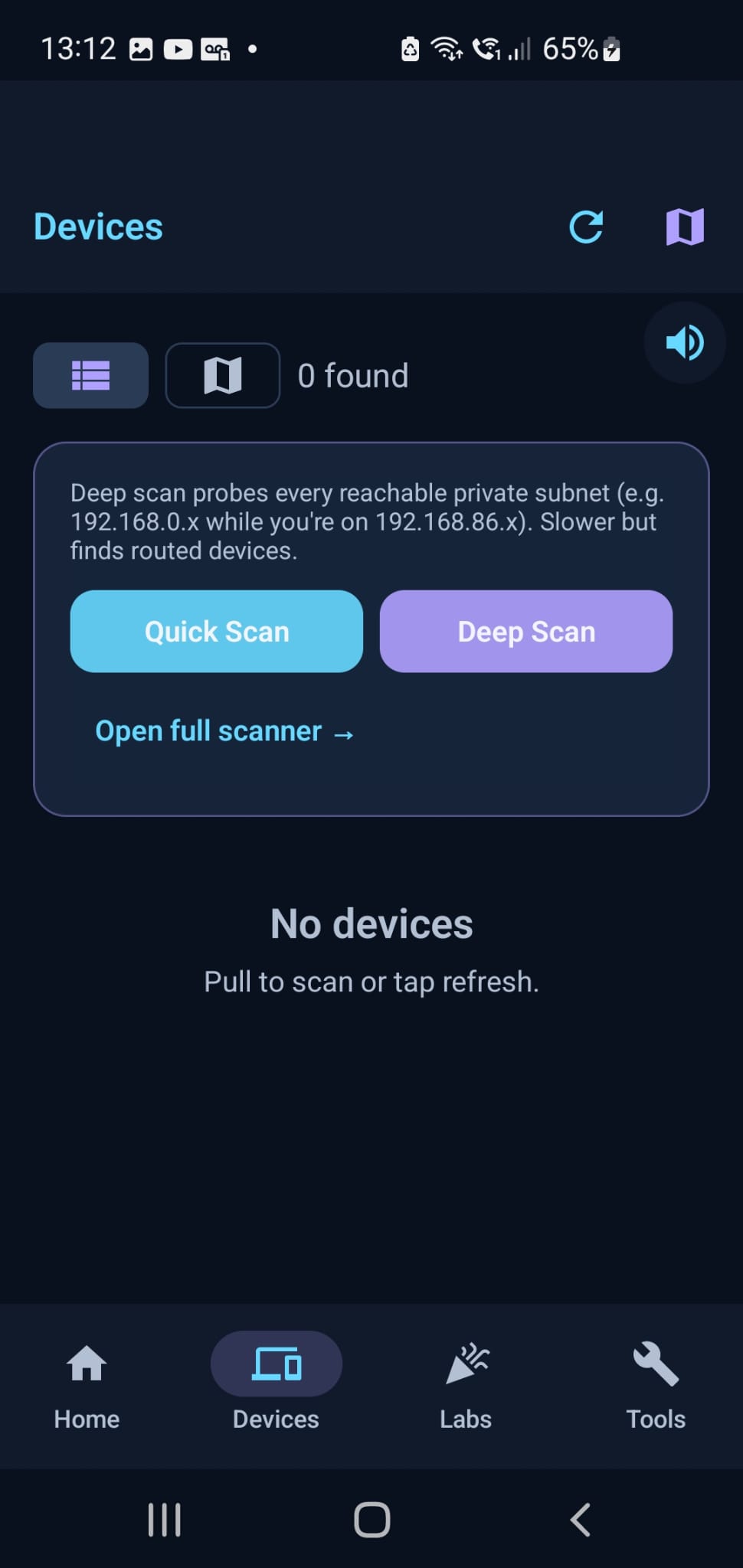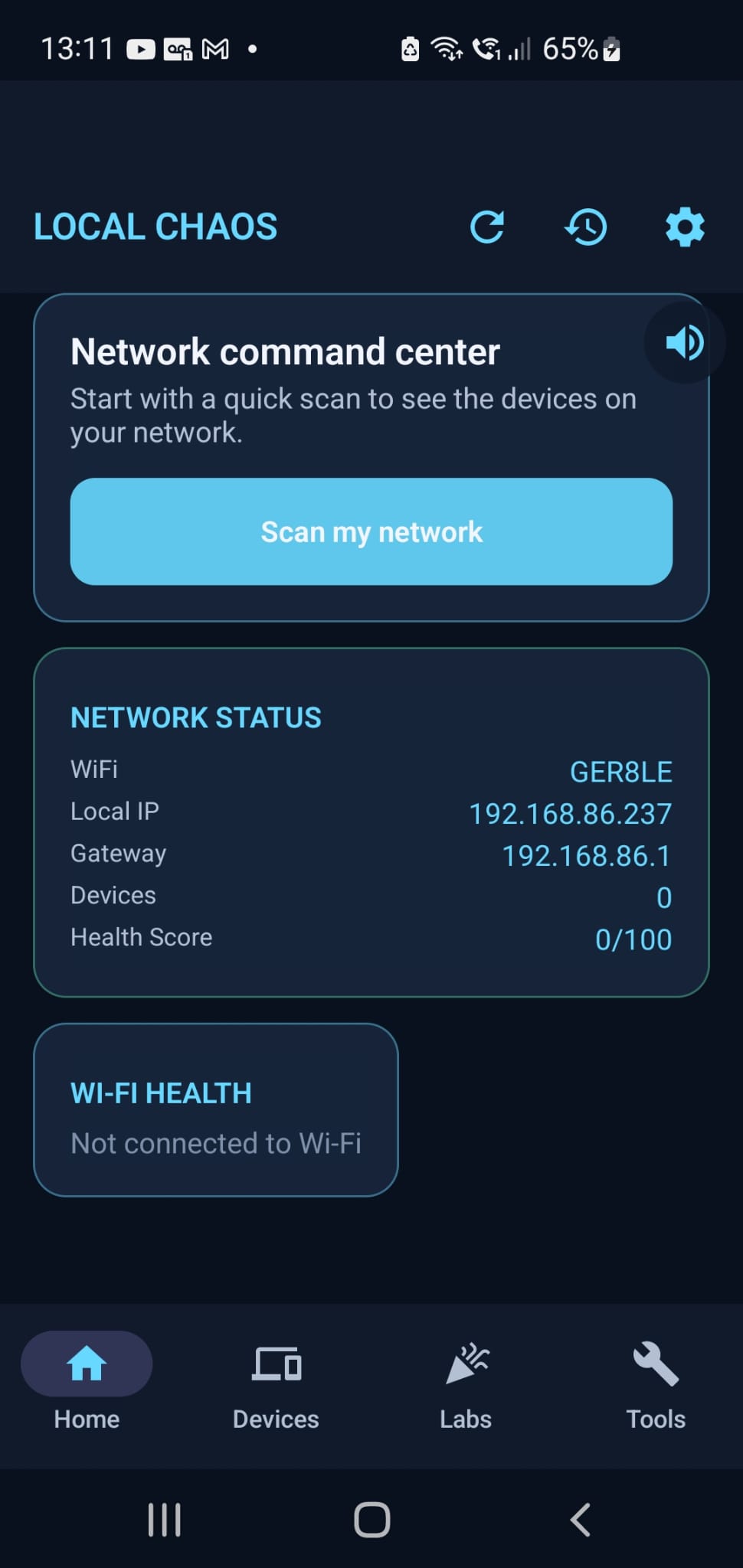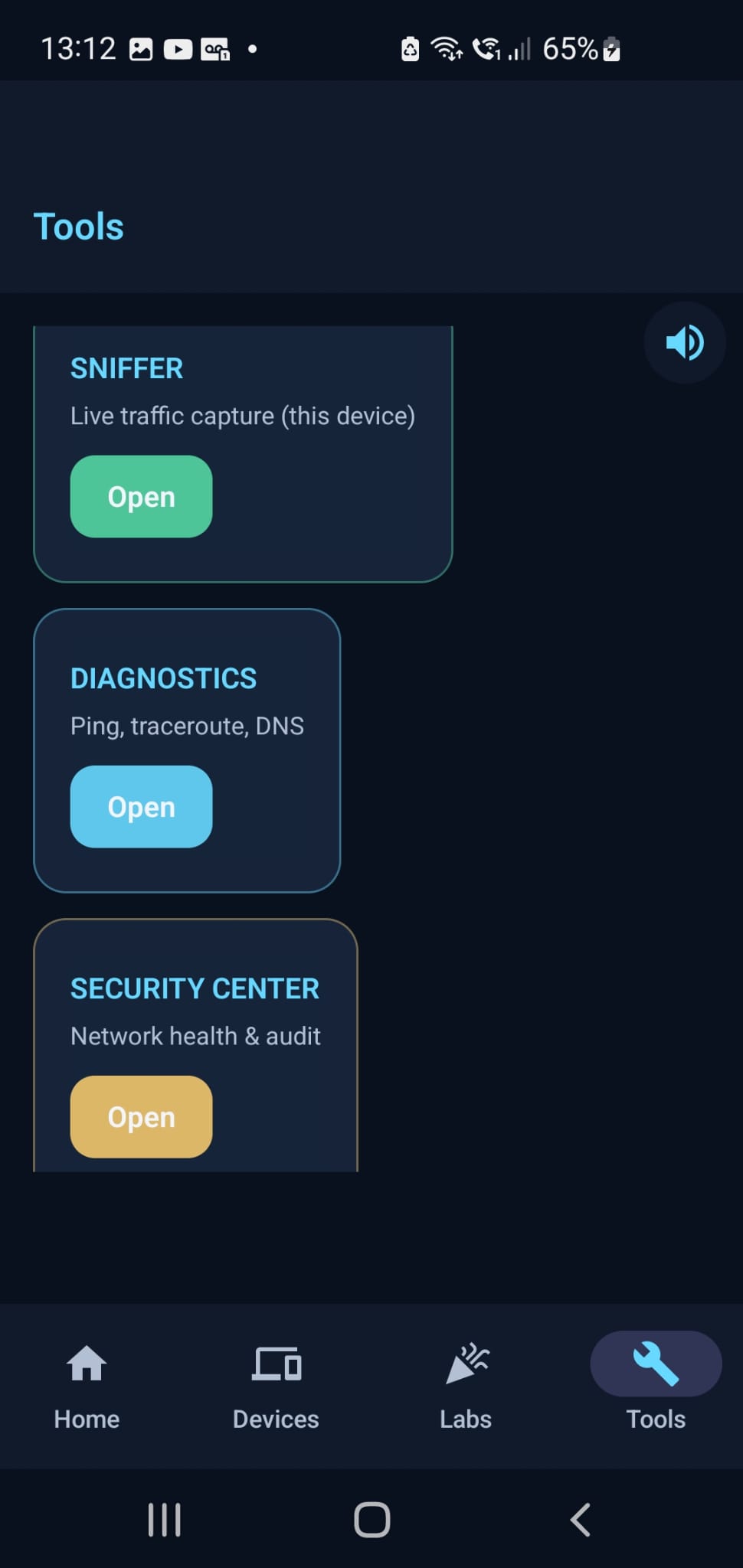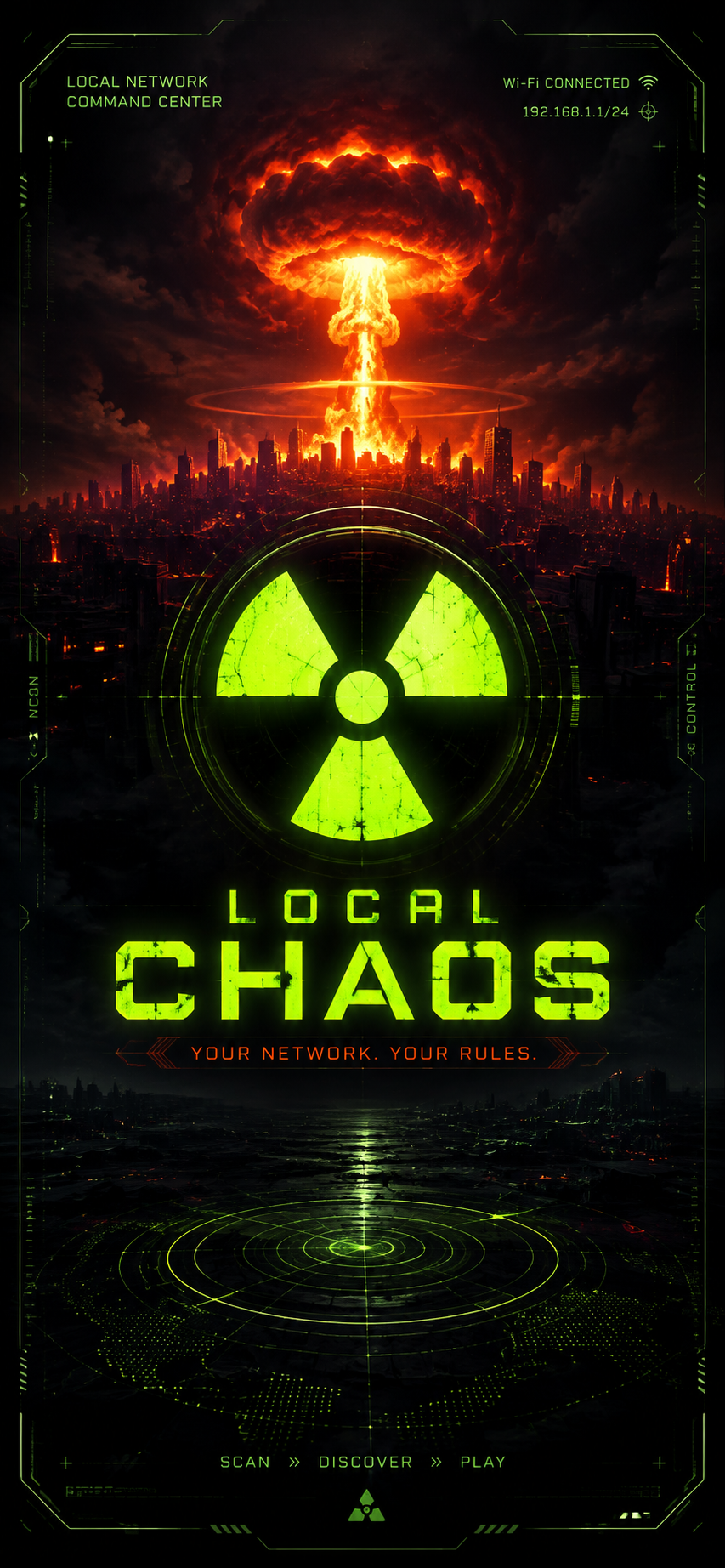
Local Chaos is your local network command center. Scan your Wi‑Fi, discover what’s connected, diagnose problems, and run real device tools — all on networks you own or control.
SCAN → DISCOVER → PLAY
Find phones, printers, smart TVs, cameras, speakers, and more on your LAN. Pair devices you care about, then use one-tap actions like print, cast, browse file shares, or open a device’s web UI.
WHAT YOU CAN DO
• Network discovery — find devices on your local Wi‑Fi with real scan results
• Device playbooks — see what each device can do and run supported actions
• Diagnostics — ping, traceroute, DNS tools, and connection health checks
• Security center — review Wi‑Fi encryption, exposed services, and network health
• Wi‑Fi lab — visualize nearby networks and track your signal over time
• Traffic sniffer — inspect this phone’s own traffic metadata (local VPN; nothing sent to our servers)
• Chaos Portal — host a fun local welcome page on your network
• NFC lab — scan and manage NFC tags
• Bluetooth tools — scan nearby BLE/Classic devices
• CCTV radar — discover IP cameras and view supported streams
• File shares — browse SMB/CIFS folders on PCs and NAS devices
BUILT FOR YOUR NETWORK
Local Chaos is designed for home enthusiasts and local admins. Features talk to devices on your LAN using real protocols. No fake demo data. No account required.
IMPORTANT
Use Local Chaos only on networks and devices you are authorized to manage. Some actions depend on the device brand, firmware, and what the device exposes locally.
Developer: Total Carnage
Testing Instructions
1. Install the app and create an account (or sign in if needed)
2. Complete the onboarding / first-run flow
3. Try the main features for a few minutes each day during the test
4. Note anything that crashes, feels slow, confusing, or broken — include your device model and Android version
5. Submit bugs or ideas from your App Circle testing dashboard
Screenshots
Tap a screenshot to view it full size.