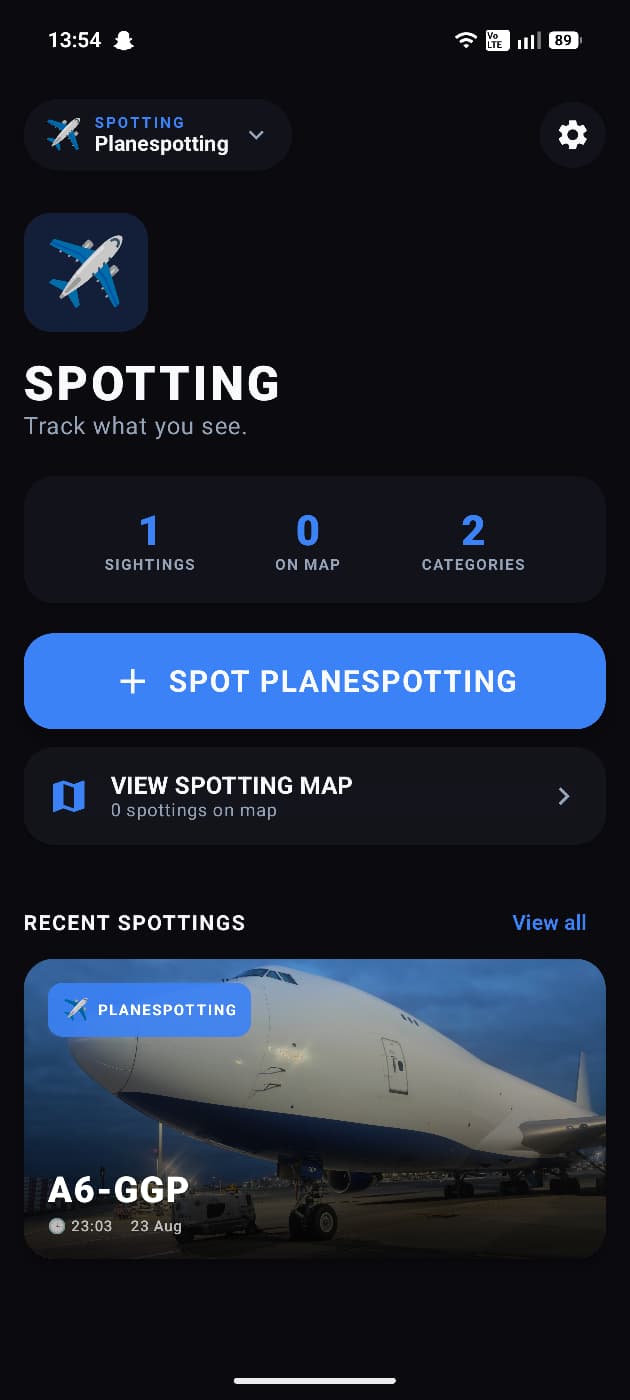
Spotting is the ultimate companion for anyone who loves observing and documenting the world around them — from aircraft and trains to ships and beyond.
📸 LOG YOUR SIGHTINGS
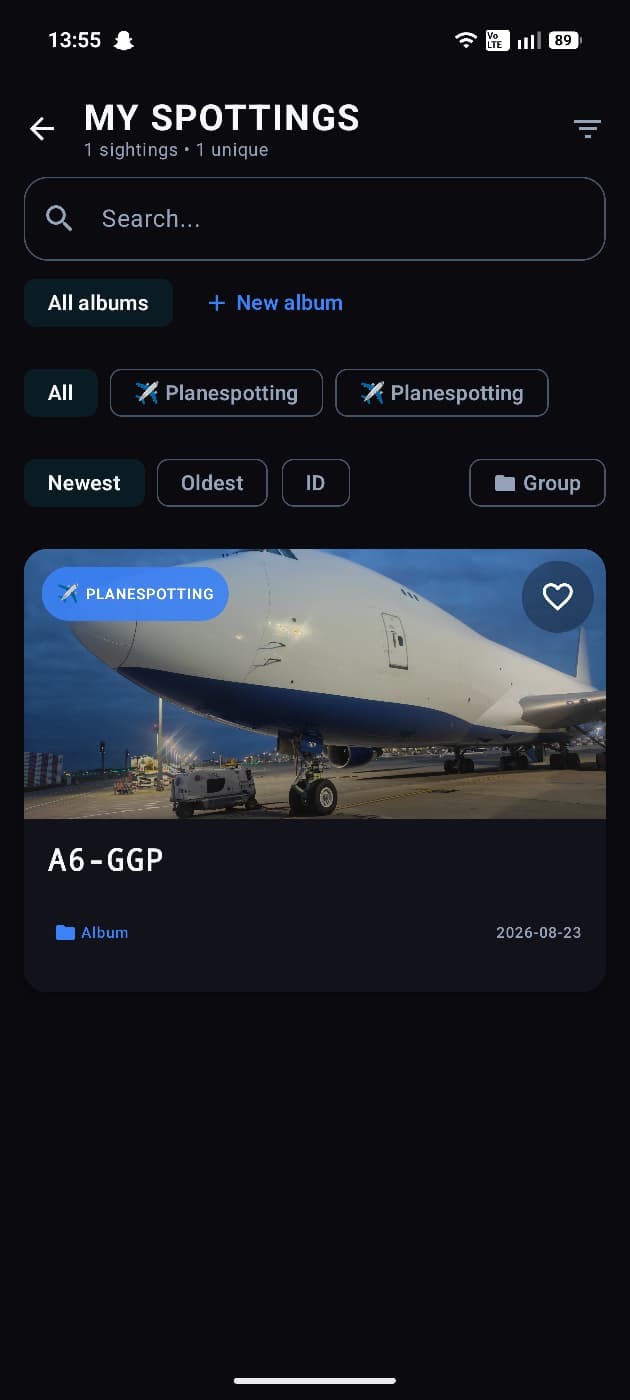
Easily record every spotting moment with rich details. Capture photos, tag precise GPS locations, and fill in custom fields like aircraft type, registration, operator, and more. Every sighting is saved locally on your device — your collection stays private and under your control.
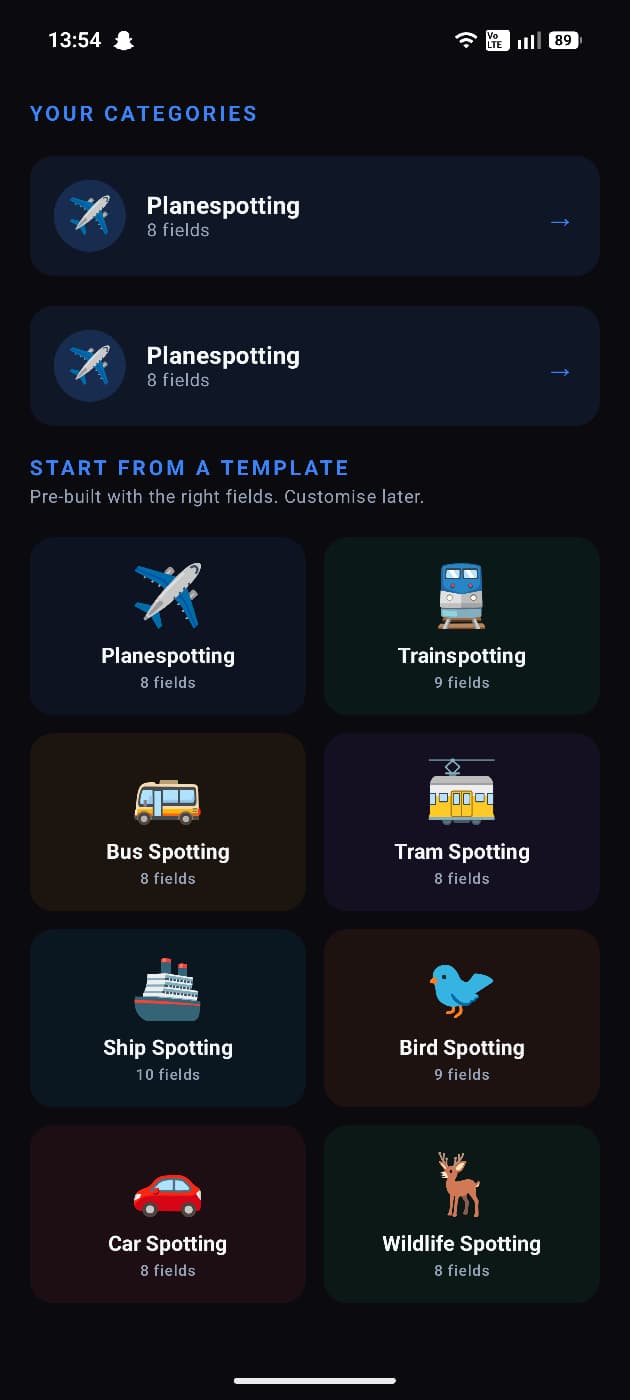
✈️ SUPPORTS MANY SPOTTING TYPES
Spotting isn't just for planes. Choose from a wide range of spotting categories:
• Aircraft — with 160+ popular types from Airbus, Boeing, Embraer, and more
• Trains
• Ships
• Photography
• And many more — create your own custom categories
🗺️ MAP VIEW
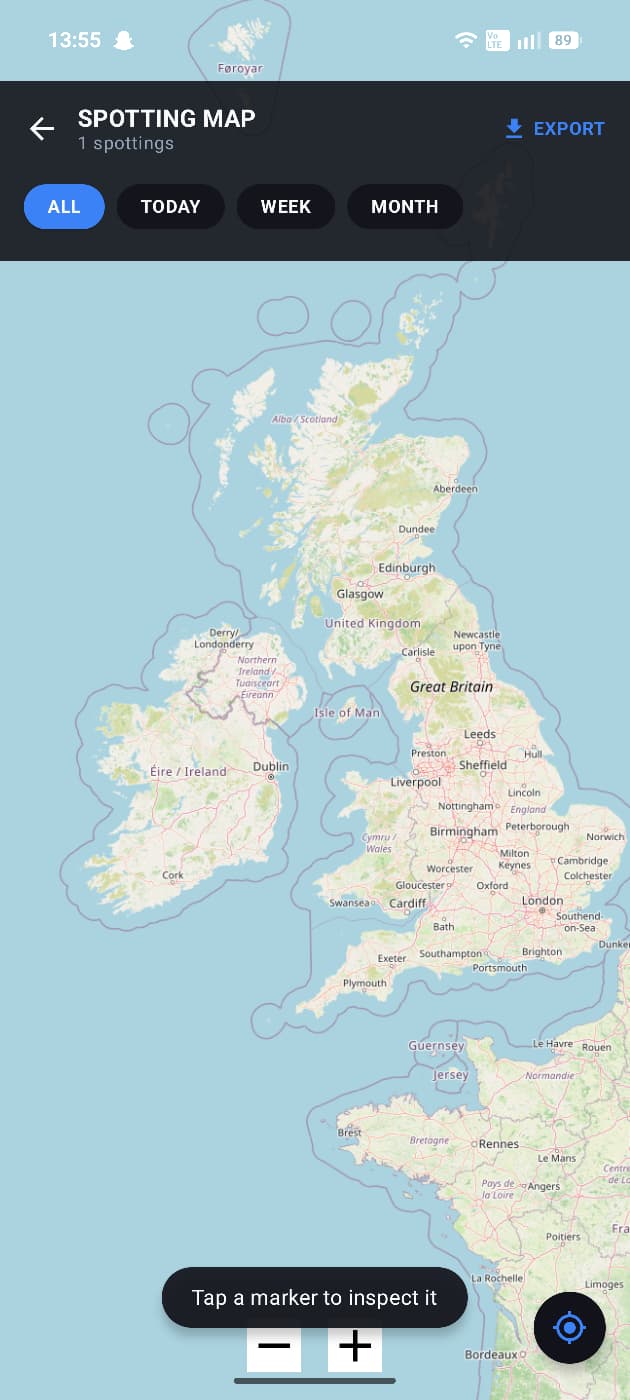
See all your sightings on an interactive map. Zoom in to explore clusters of spottings around airports, railway lines, and coastlines. Track where your spotting adventures have taken you.
📊 STATISTICS & ACHIEVEMENTS
Track your progress with detailed stats — total sightings, unique types spotted, top locations, and more. Unlock achievements as you grow your collection and become a true Spotting champion.
📁 COLLECTIONS & ALBUMS
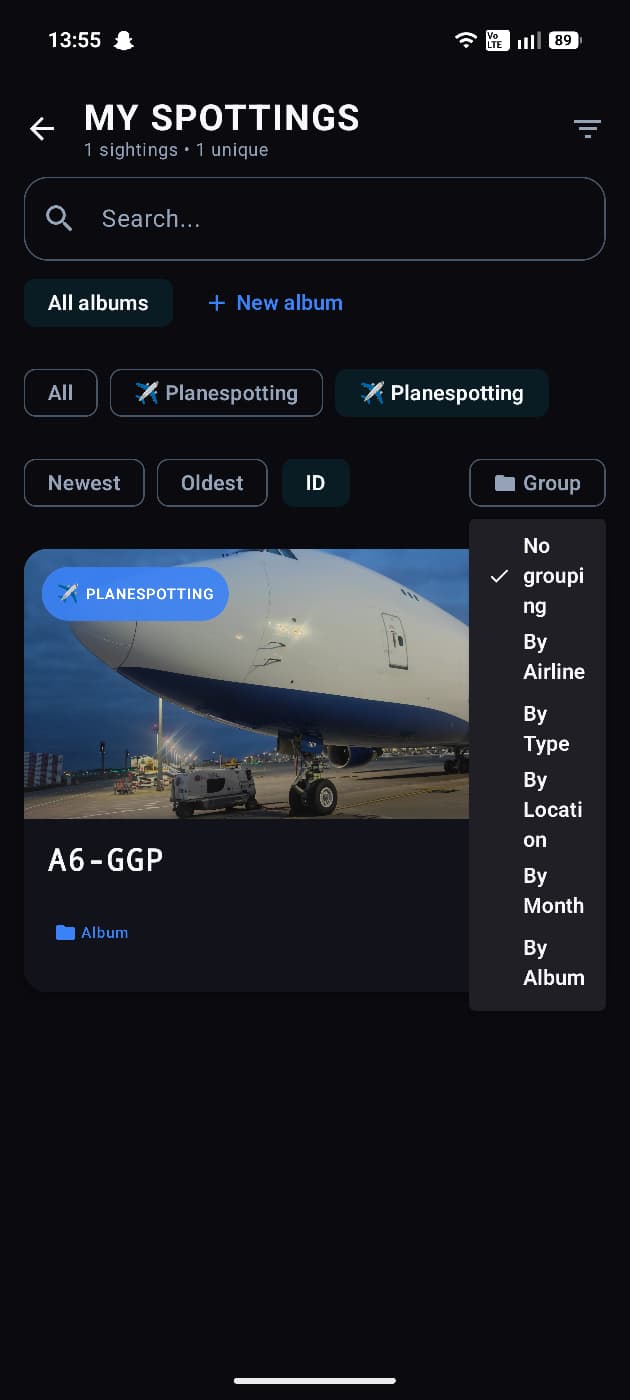
Organize your sightings into albums and collections. Group spottings by airline, location, trip, or however you like. Filter and sort to find exactly what you're looking for.
📤 EXPORT YOUR DATA
Your collection is yours. Export your sightings and take your data with you wherever you go.
🎨 CUSTOMIZABLE
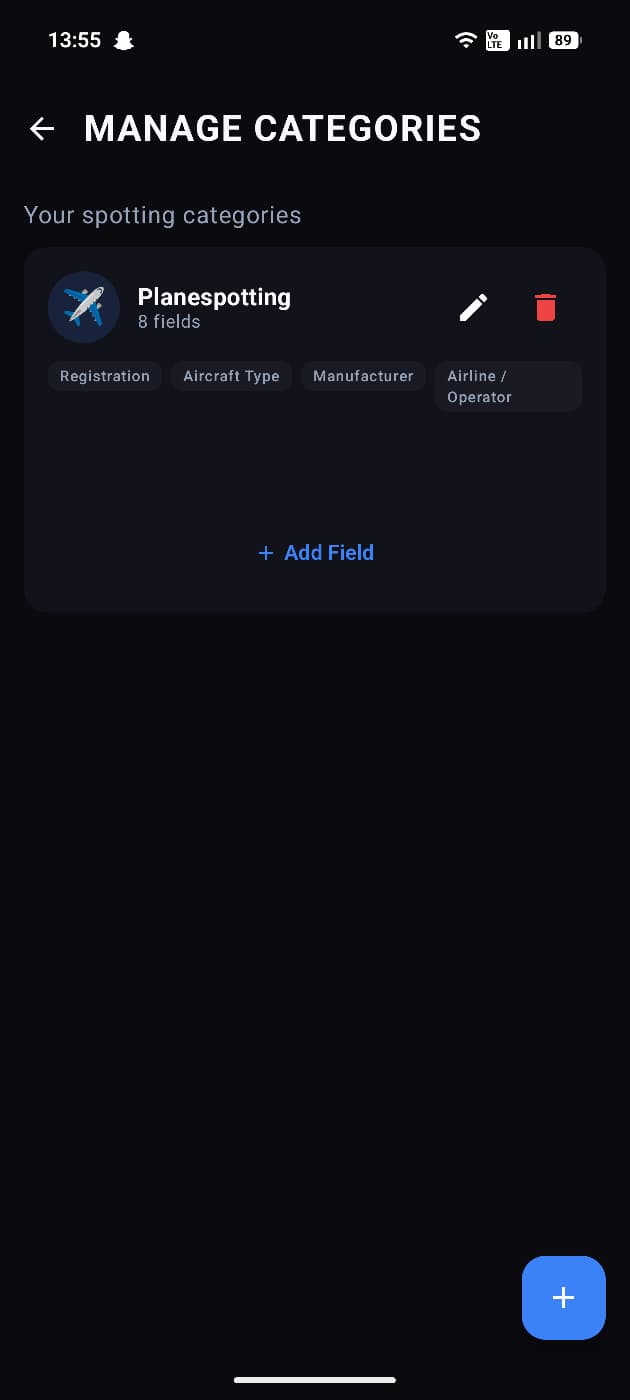
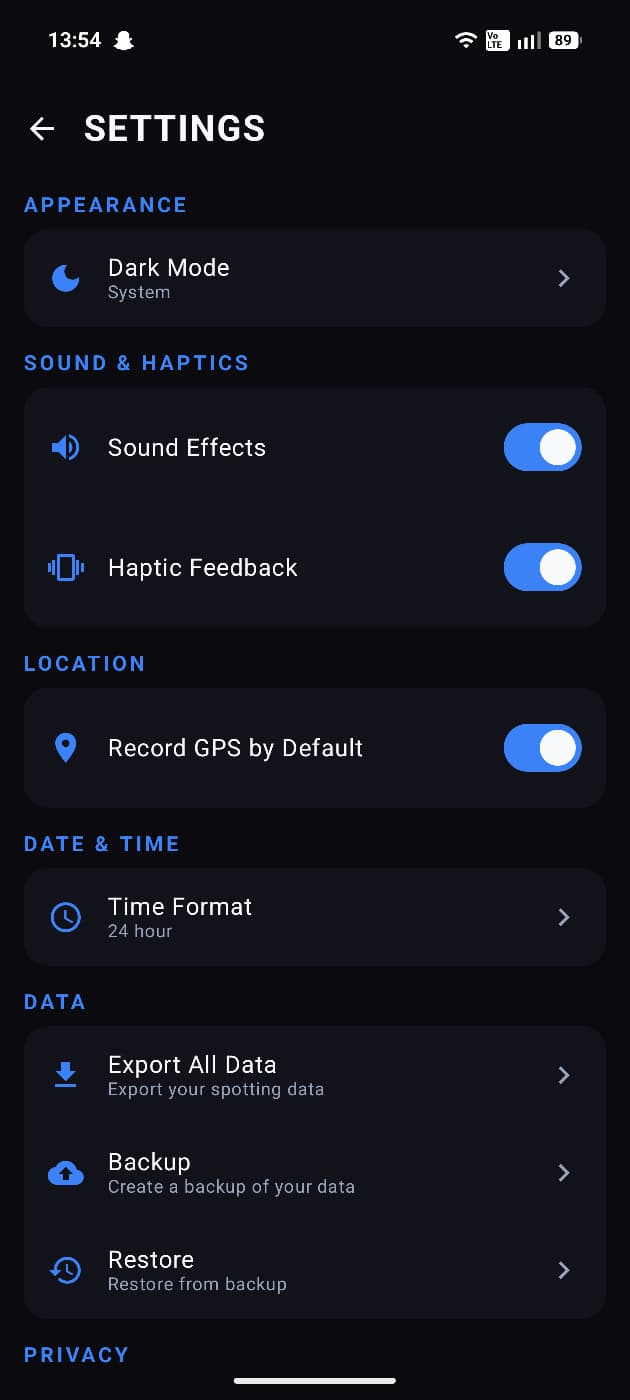
Create and customize your own spotting categories with flexible field types — text, select dropdowns, numbers, dates, and more. Tailor the app to exactly how you spot.
🌙 DARK MODE
Spot in comfort with full dark mode support.
🔒 PRIVATE & OFFLINE
All your data stays on your device. No accounts, no cloud syncing, no tracking. Spotting works entirely offline — perfect for remote airfields, railway lines, and coastal lookouts.
See it. Spot it. Share it.
Testing Instructions
1. Install the app and create an account (or sign in if needed)
2. Complete the onboarding / first-run flow
3. Try the main features for a few minutes each day during the test
4. Note anything that crashes, feels slow, confusing, or broken — include your device model and Android version
5. Submit bugs or ideas from your App Circle testing dashboard
Screenshots
Tap a screenshot to view it full size.