GotChores turns everyday chores into a fun, rewarding family routine.
WHY FAMILIES LOVE GOTCHORES
• Works offline — no account, no internet, no data in the cloud. Everything stays on your family's devices and syncs directly between phones over your home Wi-Fi.
• Perfect for kids of every age, with a library of 50+ age-appropriate chore templates per age group (3-5, 6-8, 9-12 and teens).
• Kid-friendly and parent-controlled: parents set a 4-digit passcode, kids get a simple, colourful app with no account and no way to change the rules.
WHAT YOU CAN DO
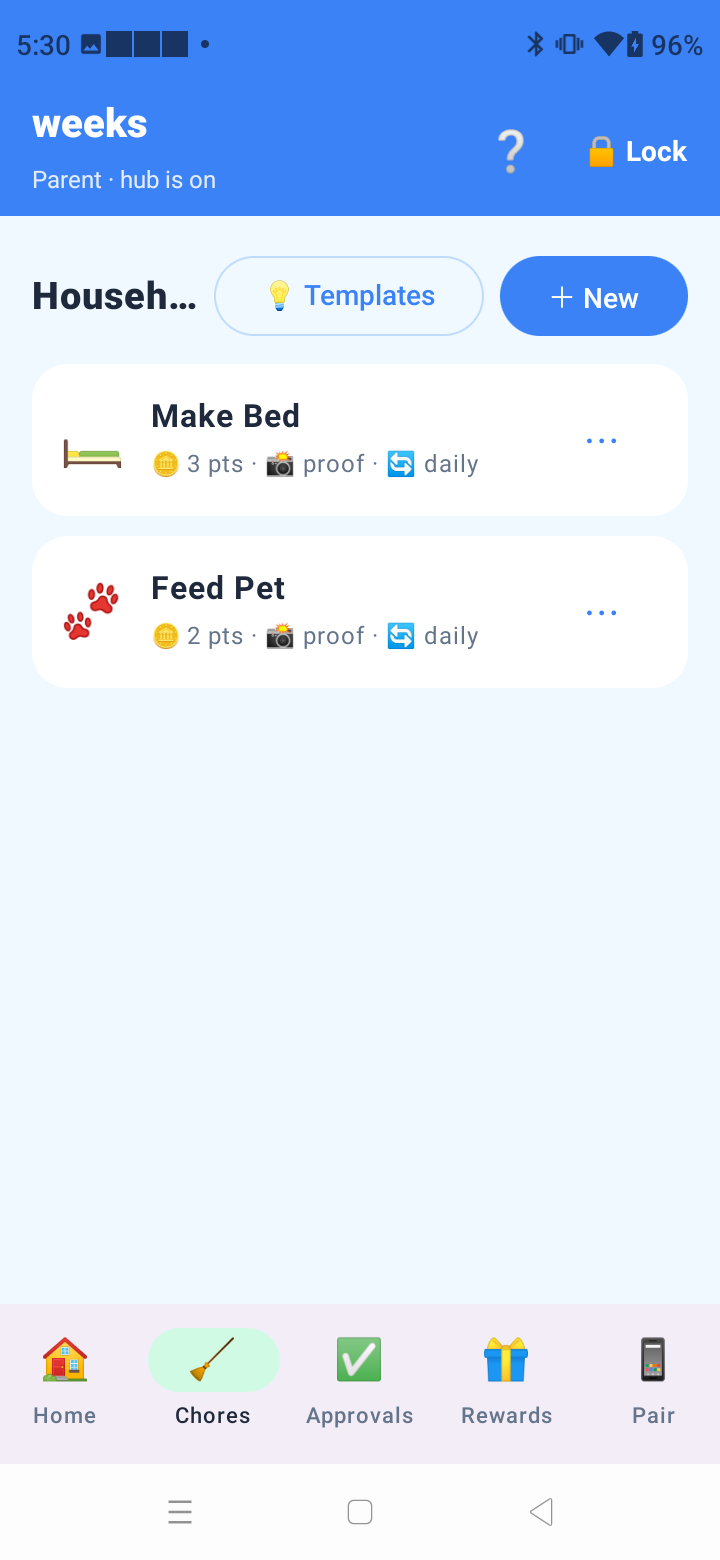
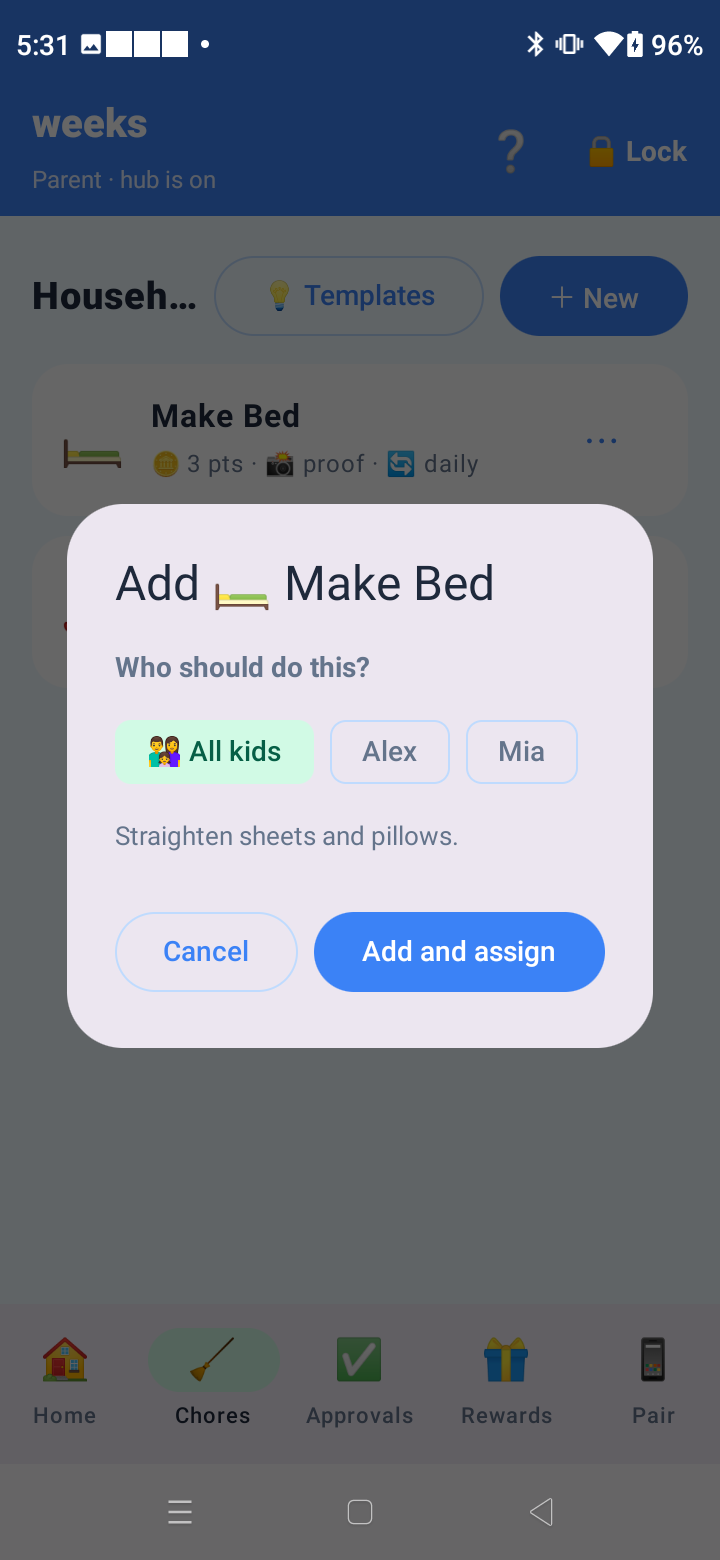
• Assign a chore to one child or to all kids at once, in seconds.
• Recurring chores for daily or weekly routines, plus one-off jobs.
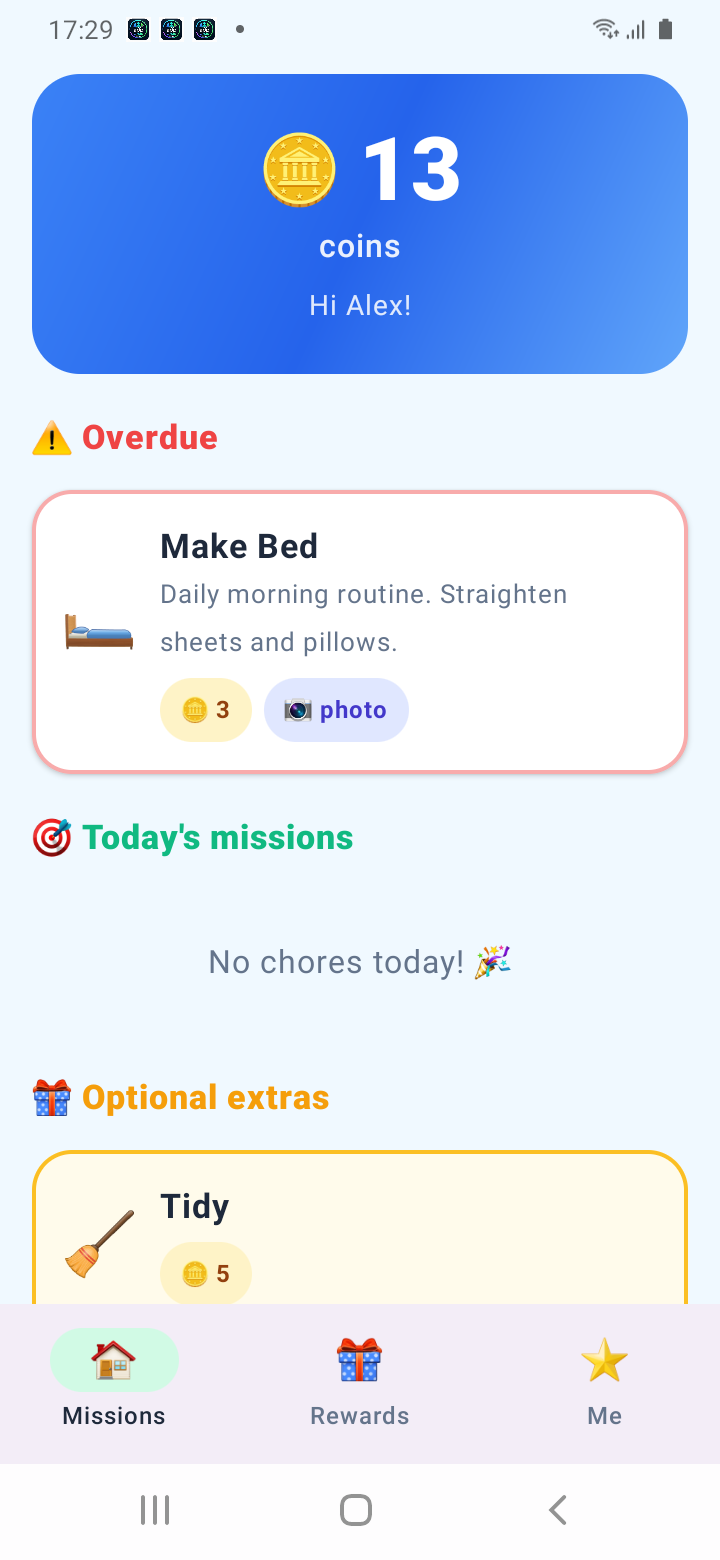
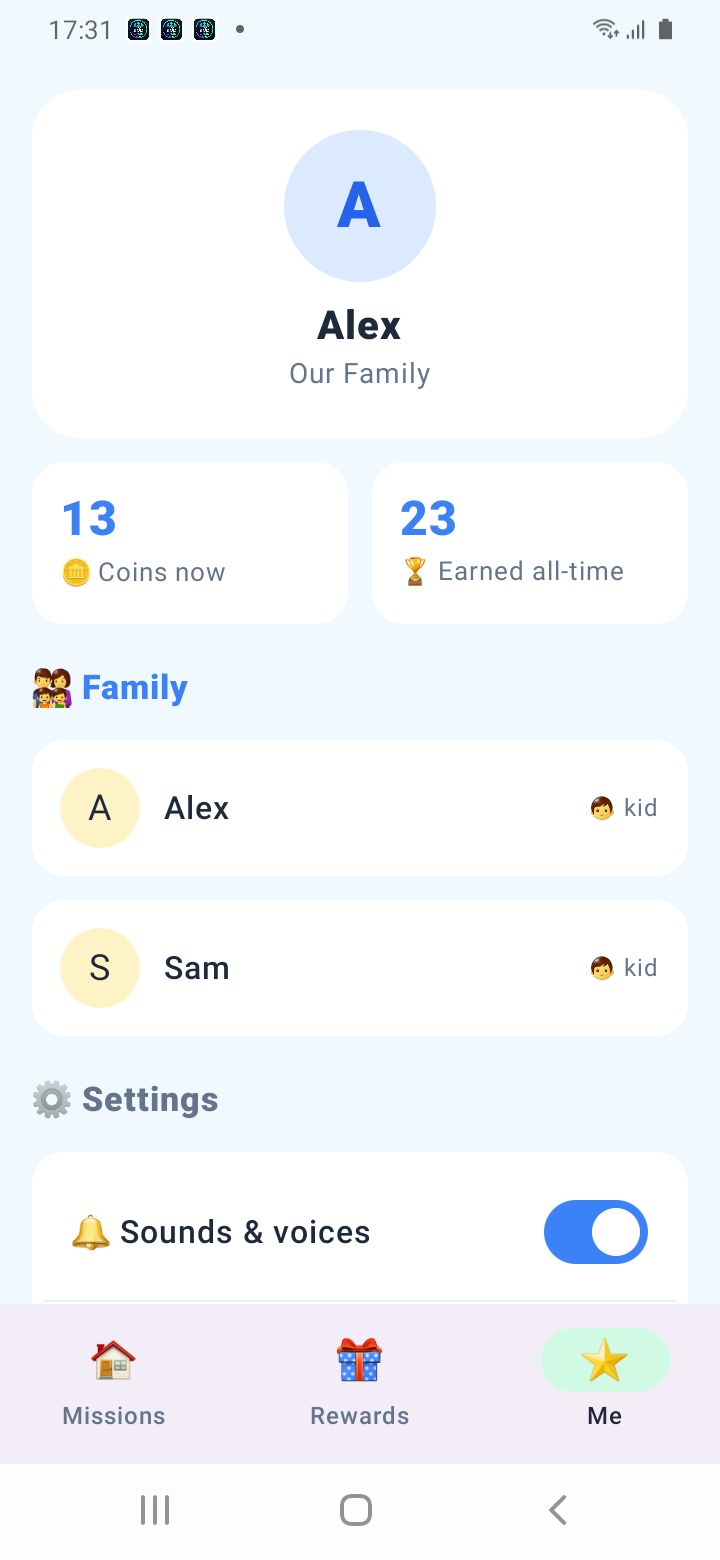
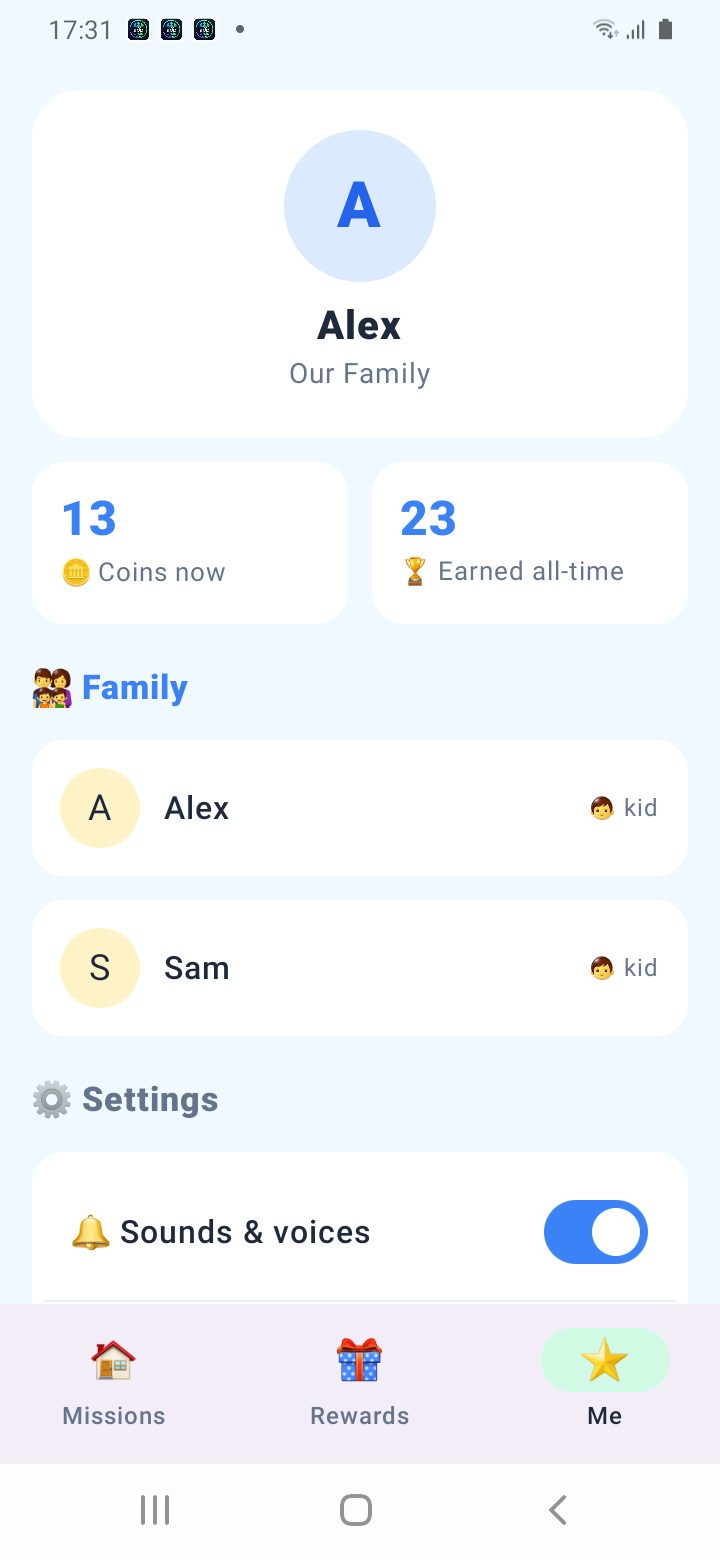
• Kids earn coins and unlock rewards you set — a screen-time top-up, a treat, a movie night.
• Proof of work: kids snap a photo of the finished job and send it to you for approval.
• Approvals make it visual — see exactly what was done before you award the coins.
• Cheerful voice alerts and sound effects celebrate completed chores, remind gently when something is due, and get more insistent the later a job runs.
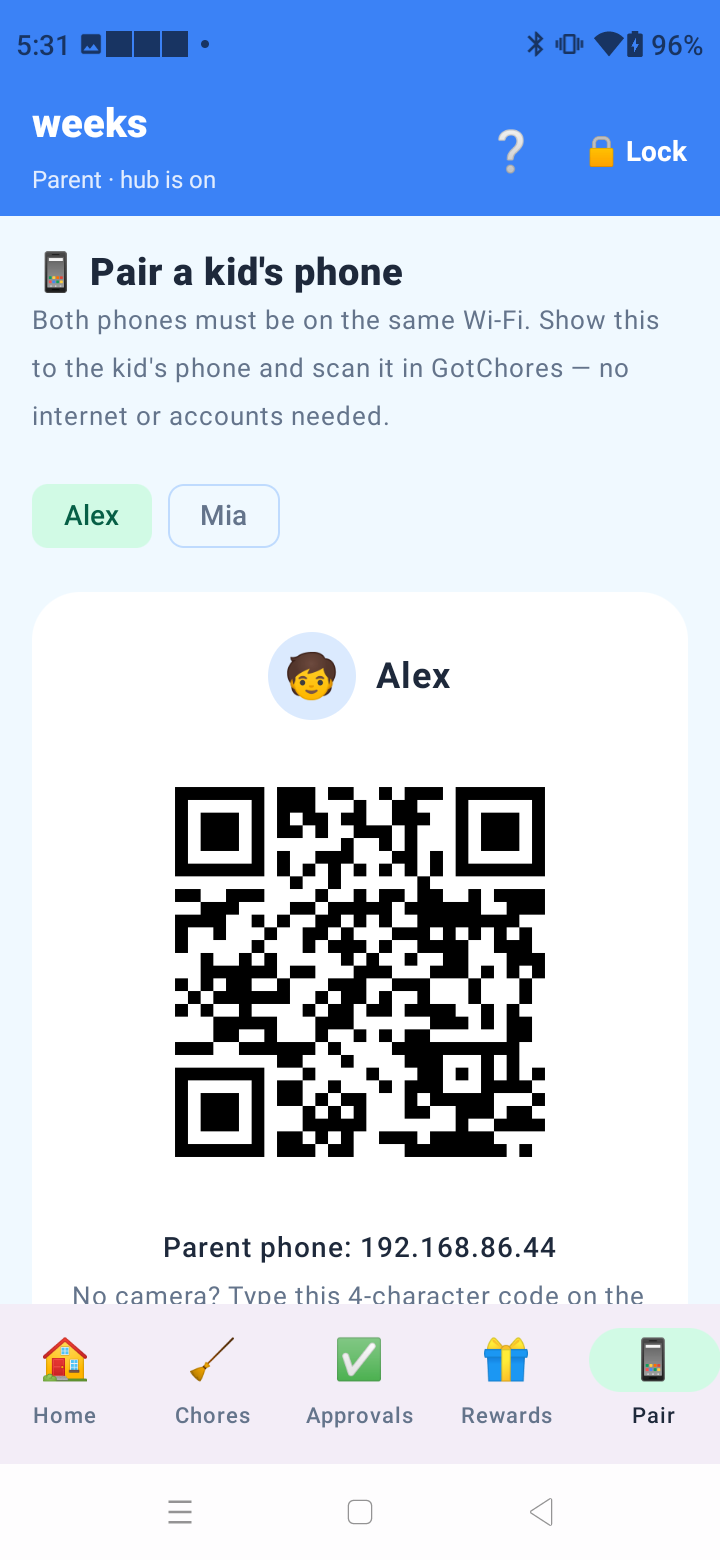
• Pair your child's phone with a simple on-screen QR code or a short pairing code — no IP addresses or settings to fiddle with.
HOW IT WORKS
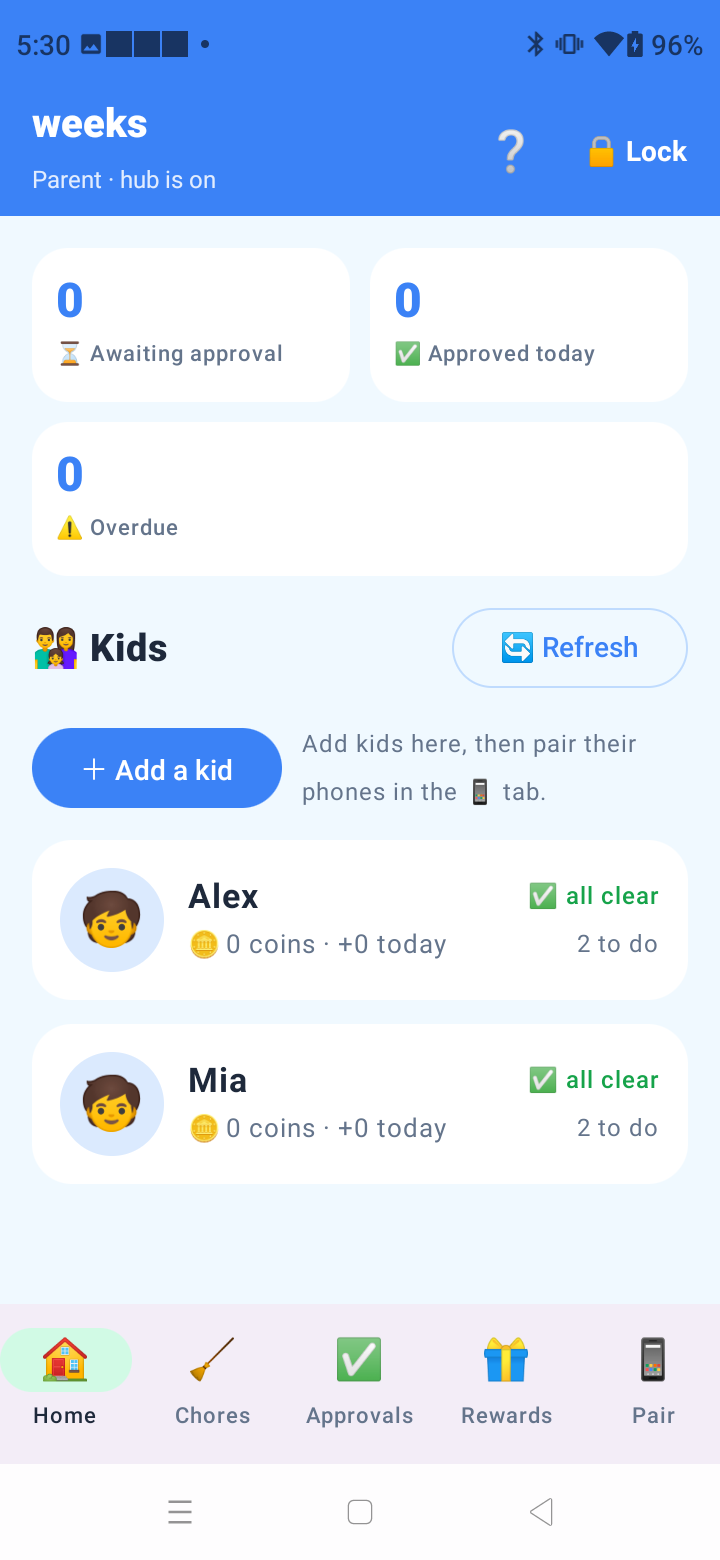
1. Parent sets up on their phone with a 4-digit passcode and adds the kids.
2. Pair each child's phone to yours over your home Wi-Fi (QR code or pairing code).
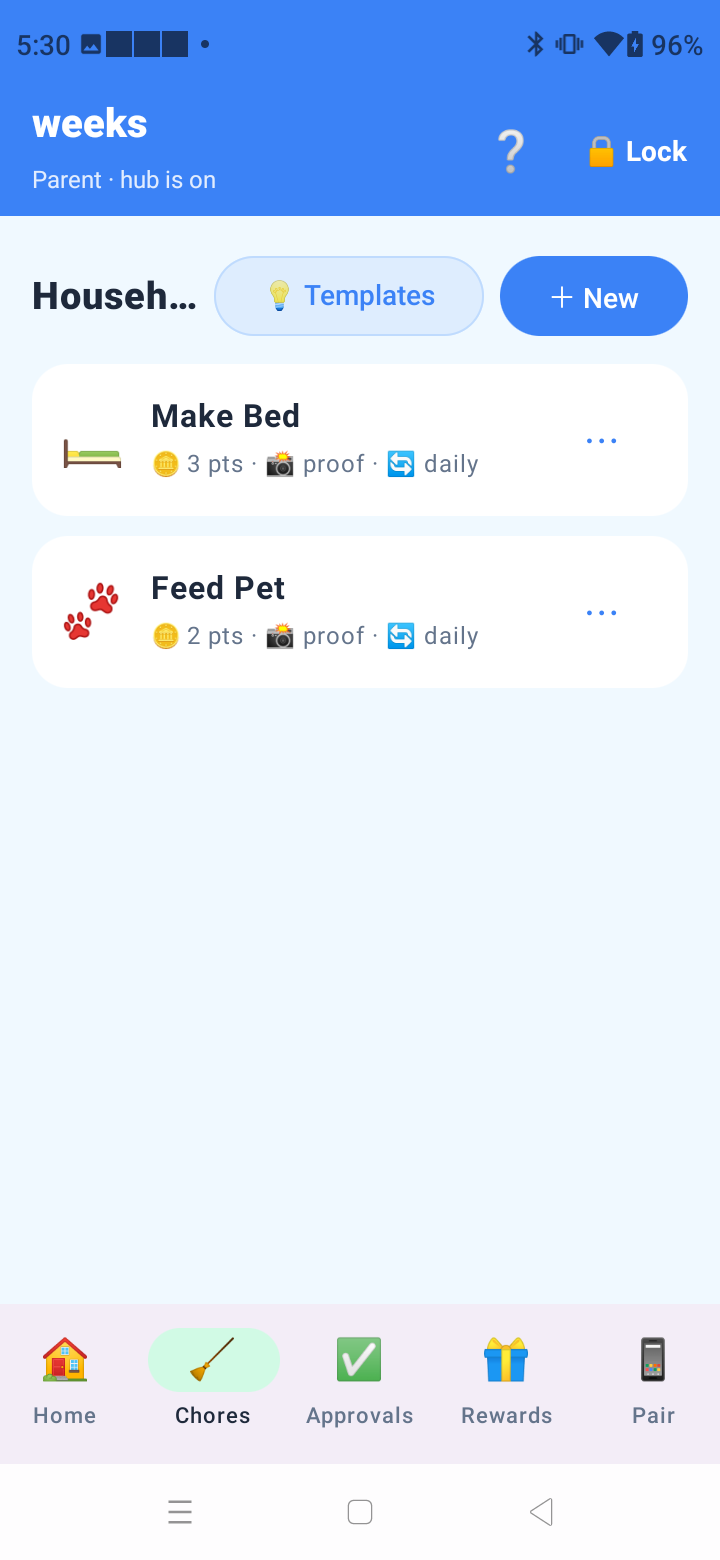
3. Choose chores from the template library or create your own, assign them, and let the fun begin.
4. Approve completed work with photo proof and watch the coins roll in.
PRIVACY
No accounts. No ads. No tracking. No servers. All chore data, photos and rewards stay on your devices and are never sent to us or anyone else. This app is committed to following the Google Play Families Policy.
GotChores works best with two Android phones on the same home network — one for parents, one for kids.
Testing Instructions
1. Install the app and create an account (or sign in if needed)
2. Complete the onboarding / first-run flow
3. Try the main features for a few minutes each day during the test
4. Note anything that crashes, feels slow, confusing, or broken — include your device model and Android version
5. Submit bugs or ideas from your App Circle testing dashboard
Screenshots
Tap a screenshot to view it full size.