Fuji Elevator Expert
This campaign is expired. Republish the leftover spots to reopen it.
Next step
The one thing to do next with this campaign.
About this app
What it does, how to test it, and what it looks like.
This is a remote elevator monitoring and configuration app. Key features include:
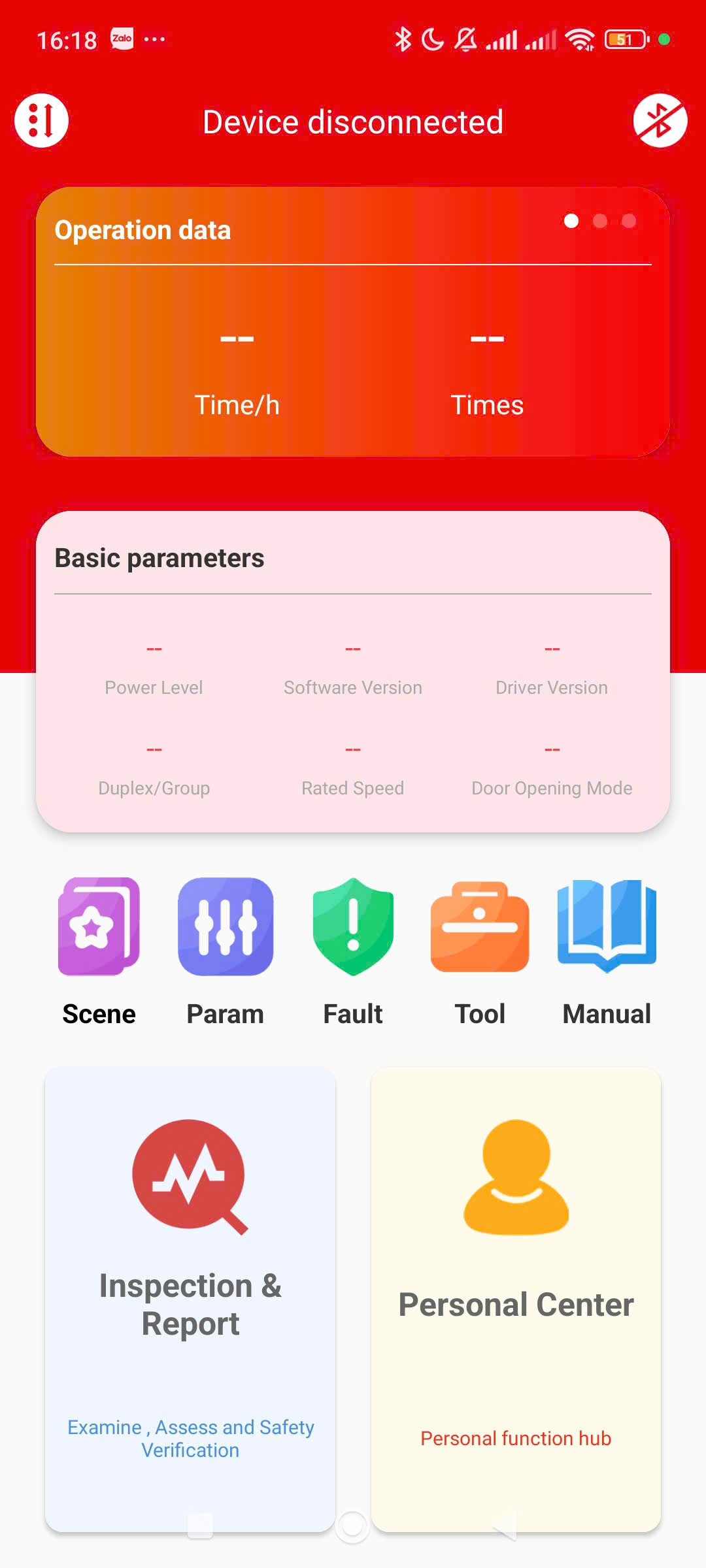
1. Device Status
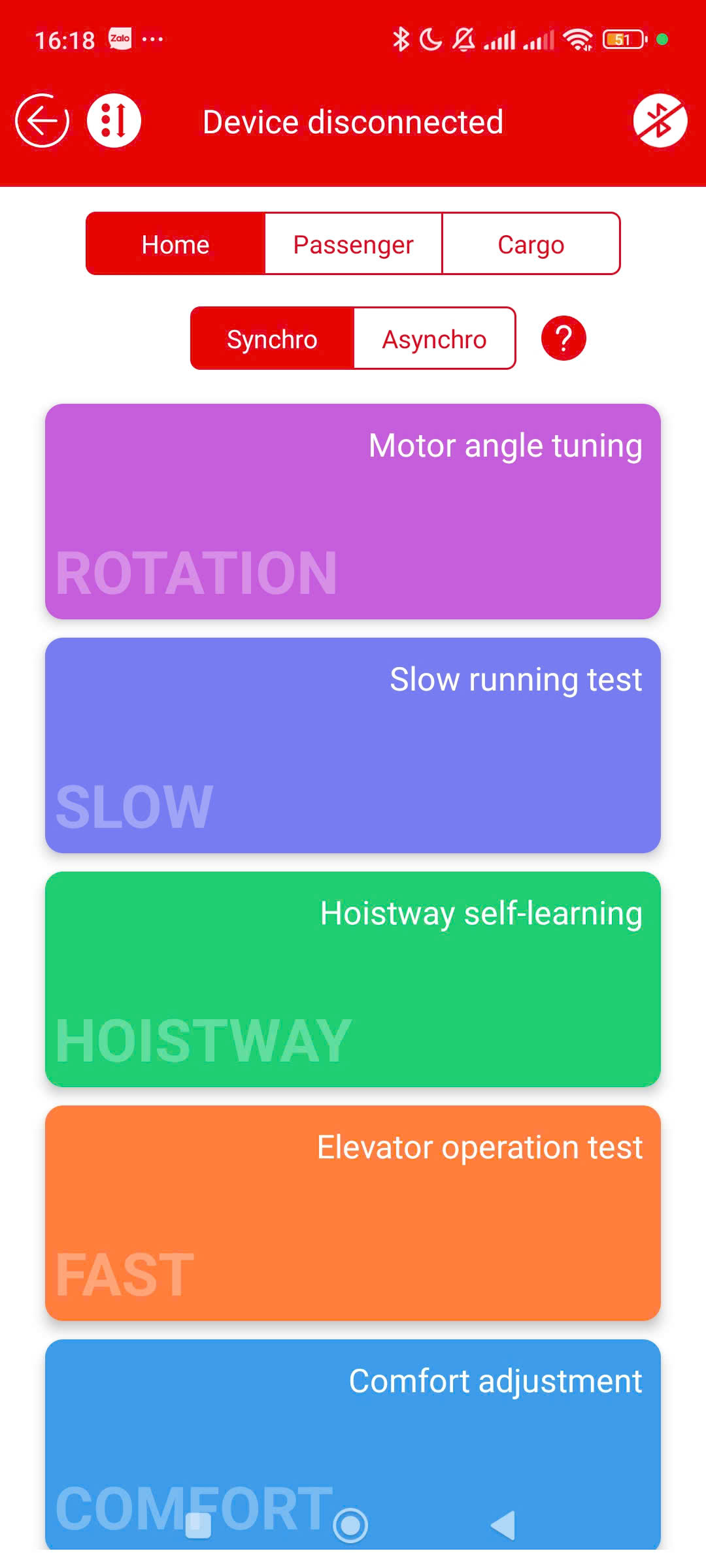
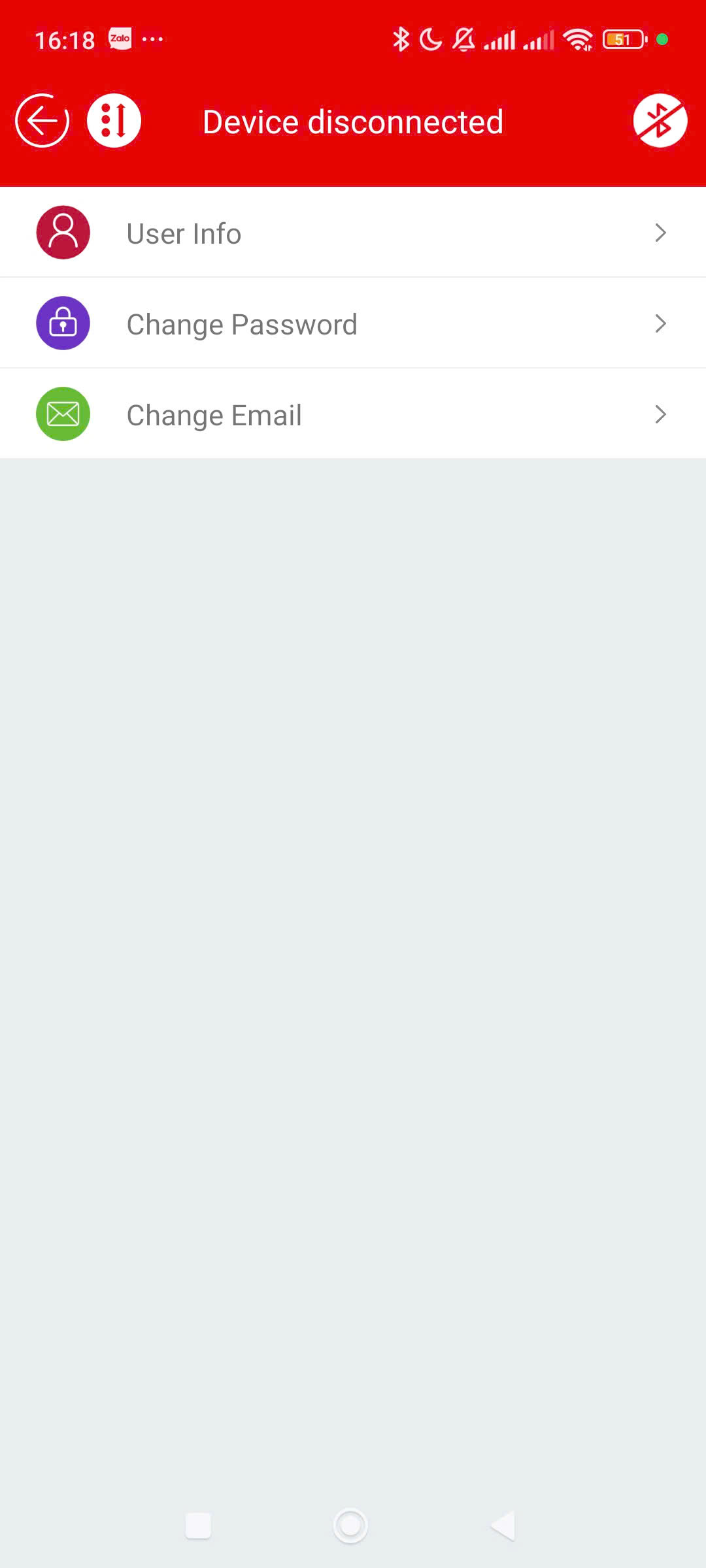
Displays "Device disconnected" → indicates the elevator has lost connection
View operational data: running time, operation count
Basic parameters: power/capacity, software version, speed, door opening mode...
2. Control & Testing
Modes:
Home / Passenger / Cargo (elevator types)
Synchro / Asynchro (motor control modes)
Test runs:
Motor angle tuning
Slow / Fast test
Hoistway learning
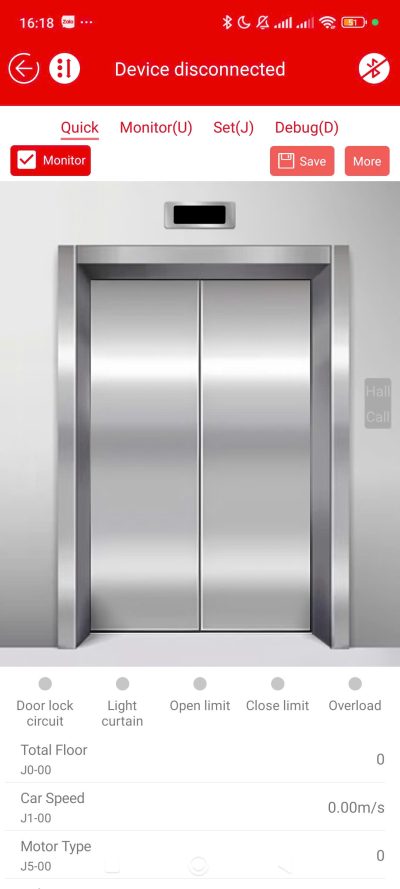
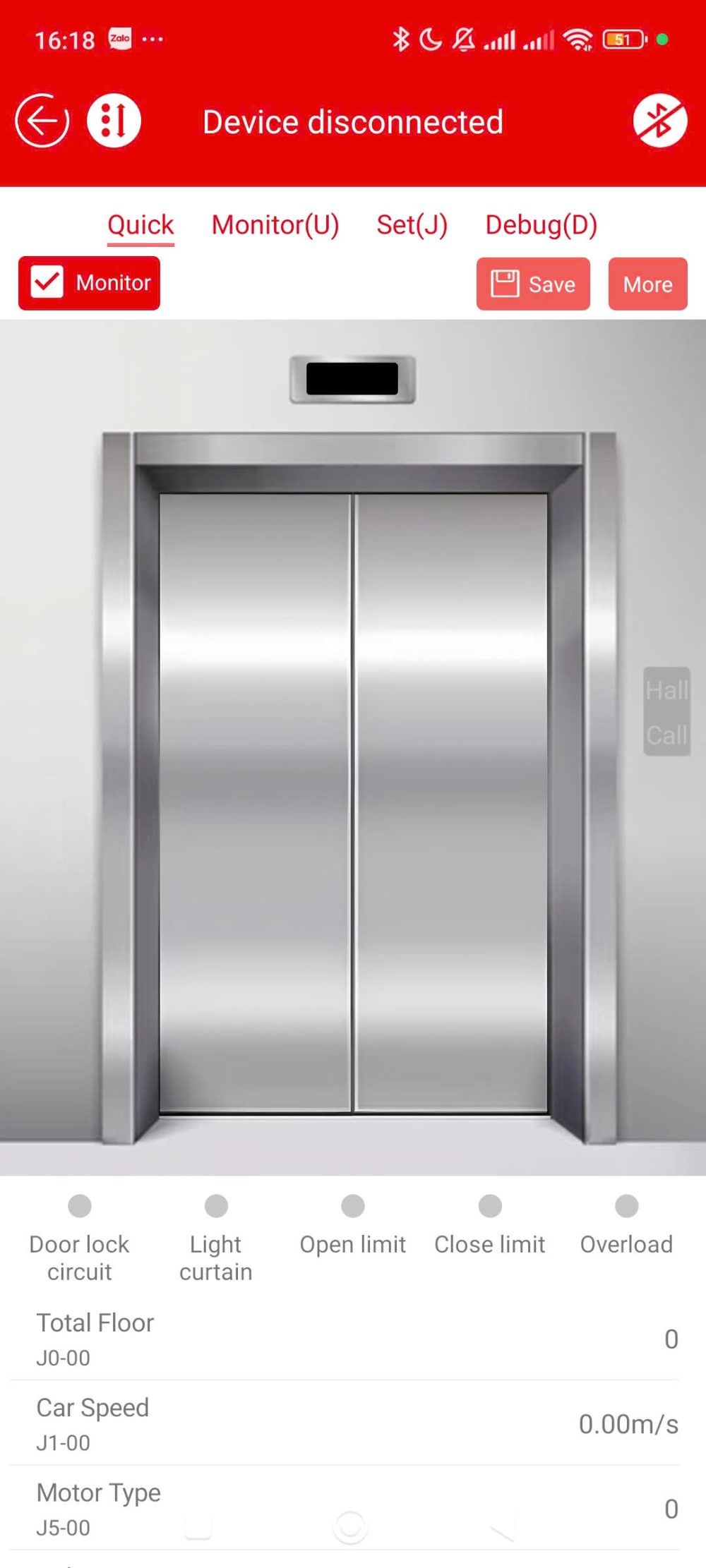
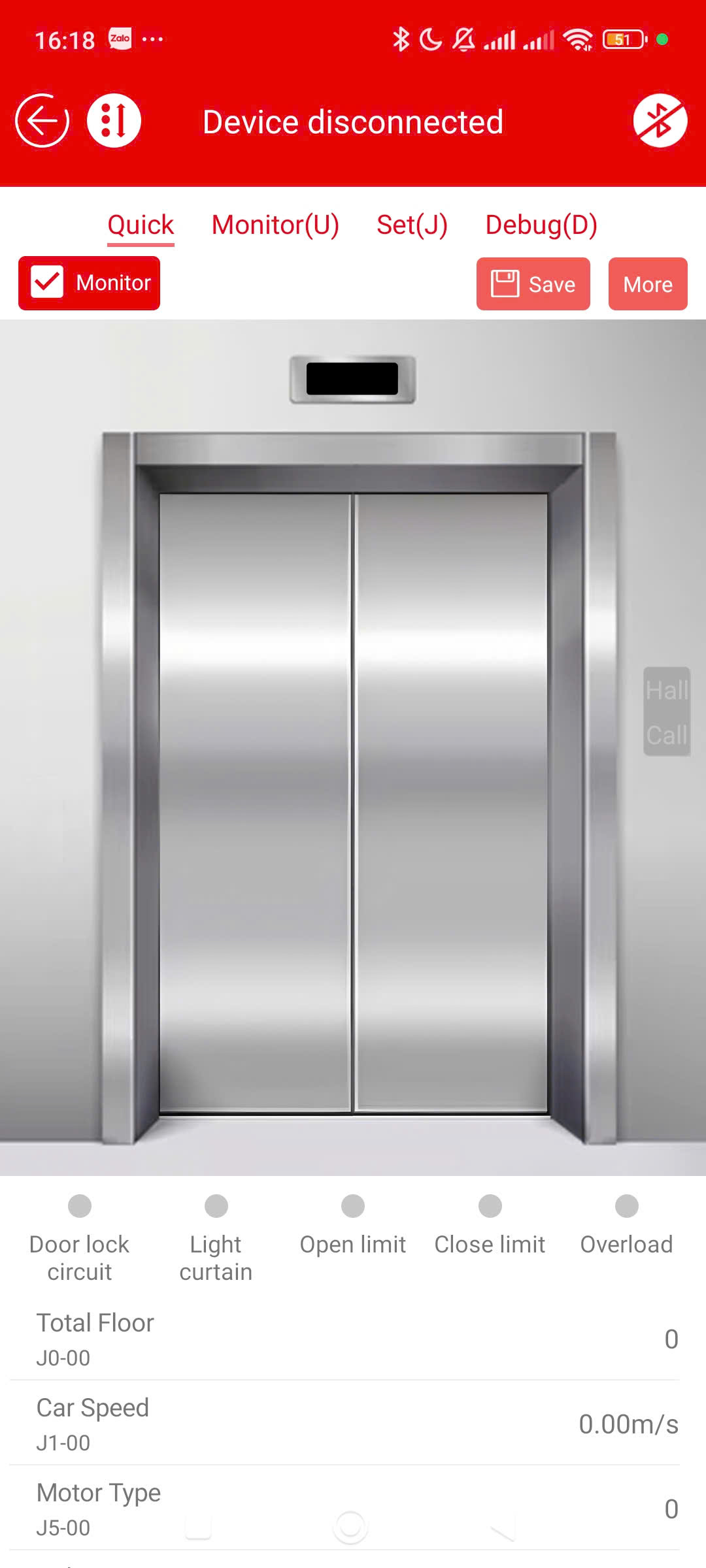
3. Real-time Monitoring
Elevator simulation screen (door and operation status)
Information:
Cabin speed
Floor number
Door status, overload...
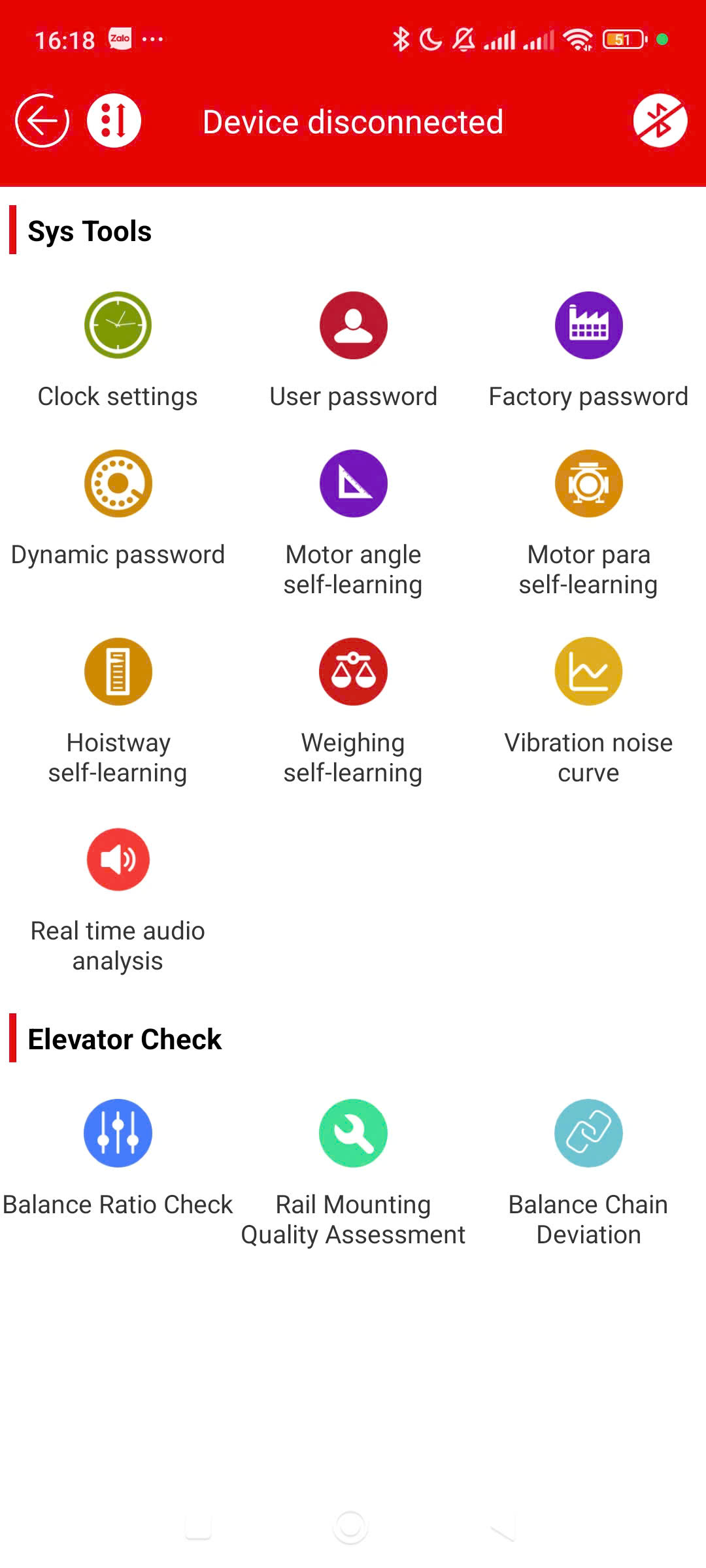
4. System Tools (Sys Tools)
Time setting
Password management (user/factory/dynamic)
Self-learning:
Motor angle
Motor parameters
Hoistway
Load weighing
Noise and vibration analysis
5. Inspection & Evaluation
Balance ratio
Rail mounting
Chain deviation
6. Faults & Warnings
Elevator failure / Drive failure
Fault code lookup
Fault record
Testing Instructions
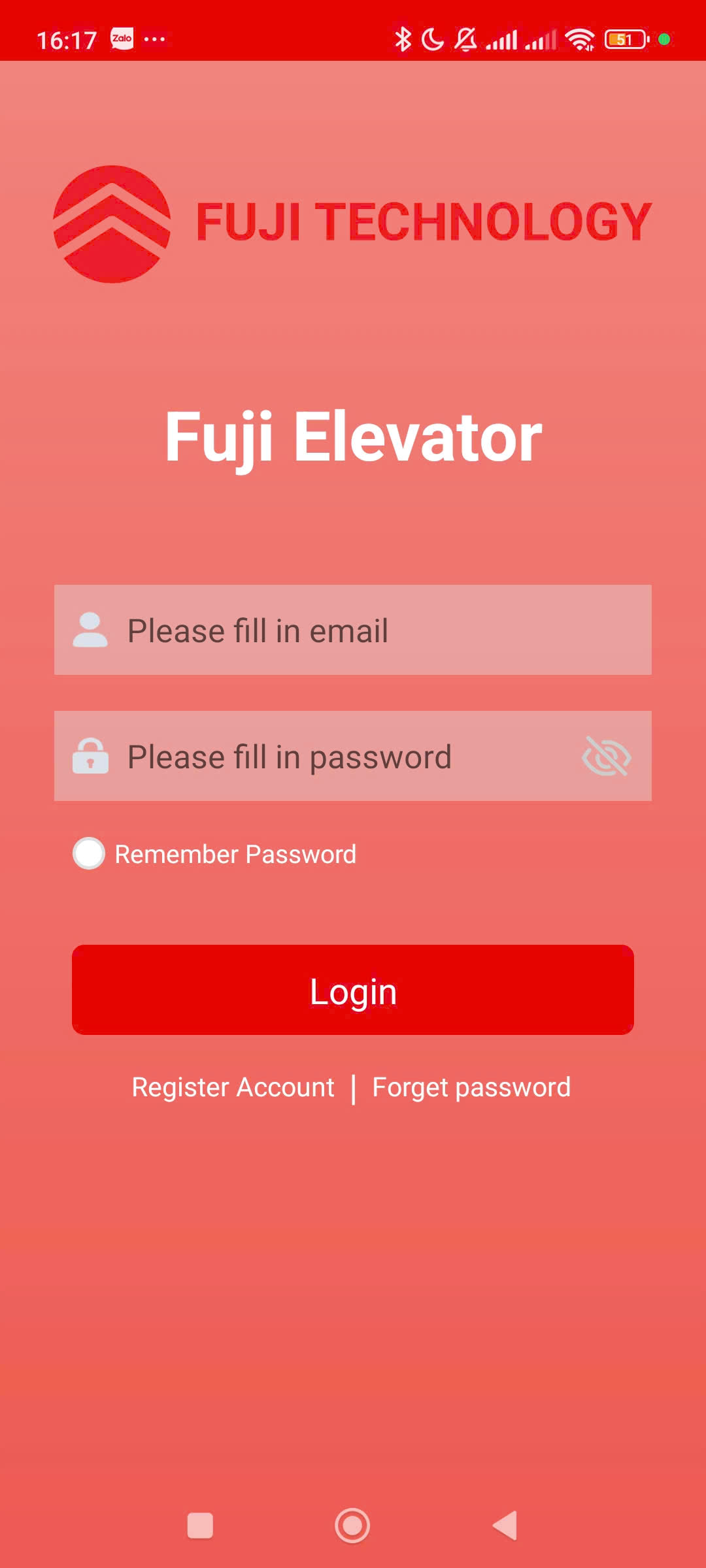
Initial Connection: Log in and pair the app with the elevator hardware.
Disconnection Handling: Proactively disconnect the network, move out of the coverage area, or power off the elevator control board. Ensure the app displays "Device disconnected" and blocks the sending of any control commands.
Auto Reconnection: Reconnect the network, verify if the app automatically reconnects and synchronizes the current parameters of the elevator.
Data Reading: Verify if the parameters (floor number, speed, door status) displayed on the app match 100% with the elevator's physical display.
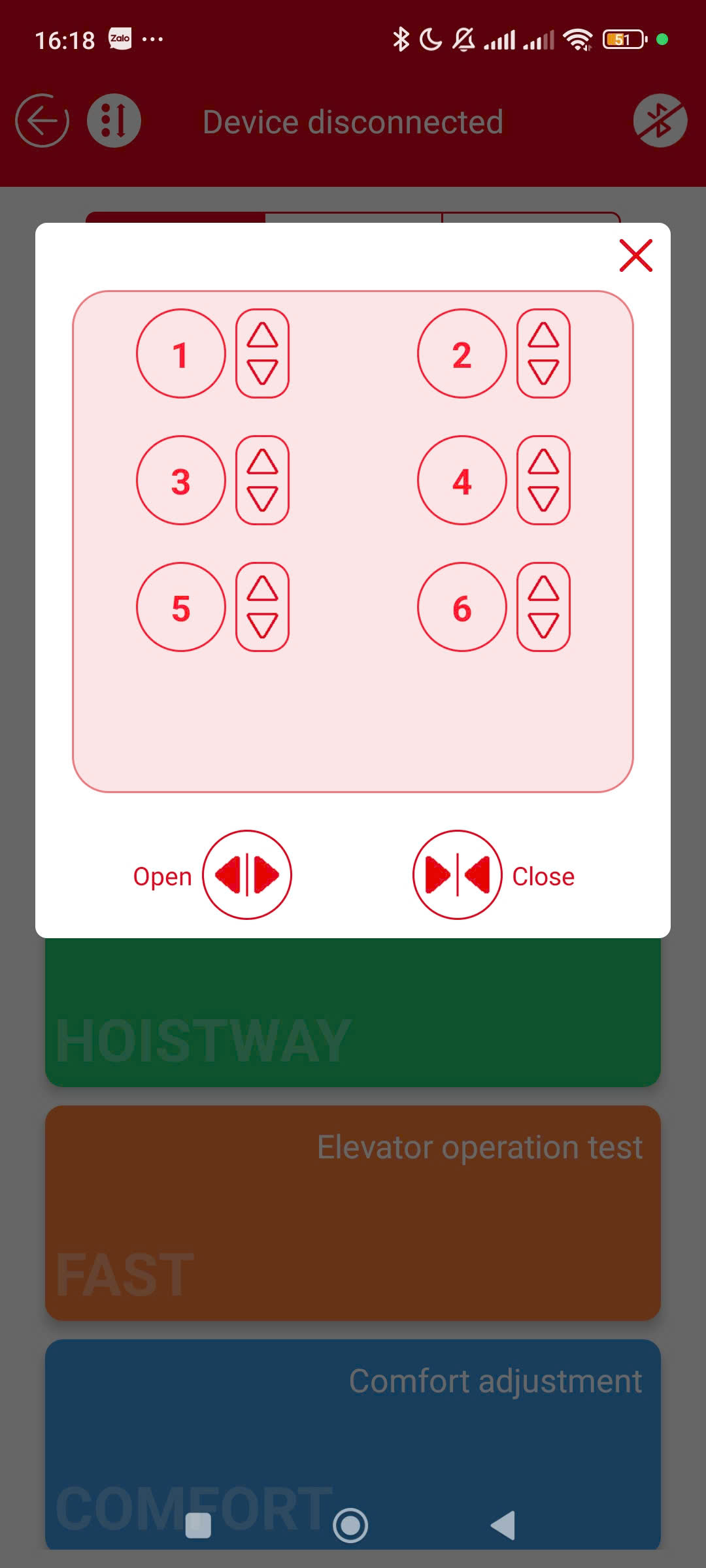
Sending Control Commands: Tap to switch modes (Passenger/Cargo) or run commands (Slow/Fast test). Verify if the elevator executes the commands correctly.
Validation Check: Enter invalid parameters (e.g., setting a negative or excessively large motor angle) and verify if the app blocks the input and displays an error message.
Screenshots
Tap a screenshot to view it full size.
Campaign details
Reward, requirements and how this campaign runs.