Remote Viewing
Sign in to apply as a tester and earn coins.
Next step
The one thing to do next with this campaign.
About this app
What it does, how to test it, and what it looks like.
Remote Viewing turns any two Android phones into a private, peer-to-peer live camera link. Use one phone as the CAMERA and the other as the VIEWER to watch a live feed from anywhere on your network.
How it works
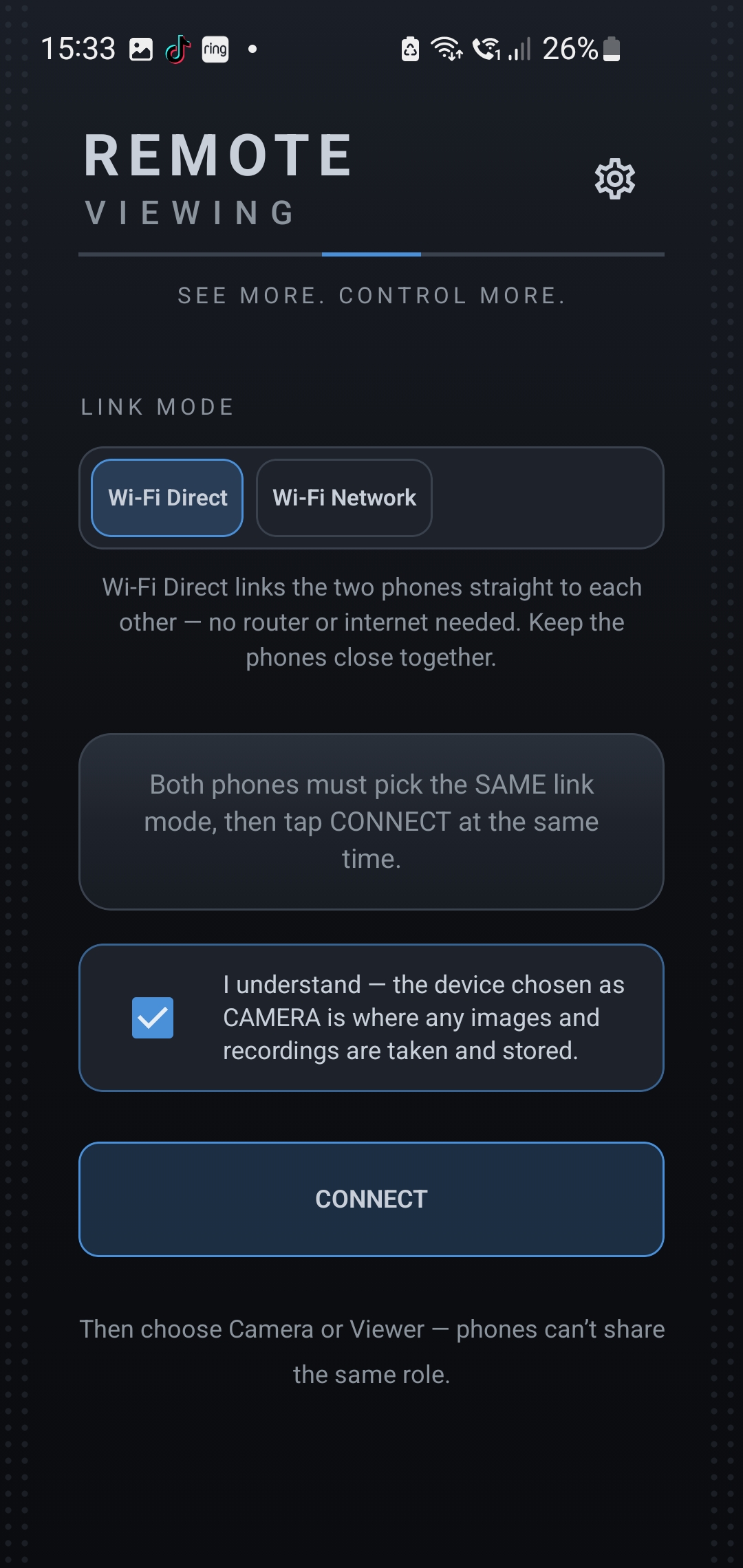
• Open the app on both phones and choose the same link mode: Wi-Fi Direct or Wi-Fi Network
• Tap CAMERA on one device and VIEWER on the other
• Both tap Connect — the devices find each other, handshake, and start streaming
Features
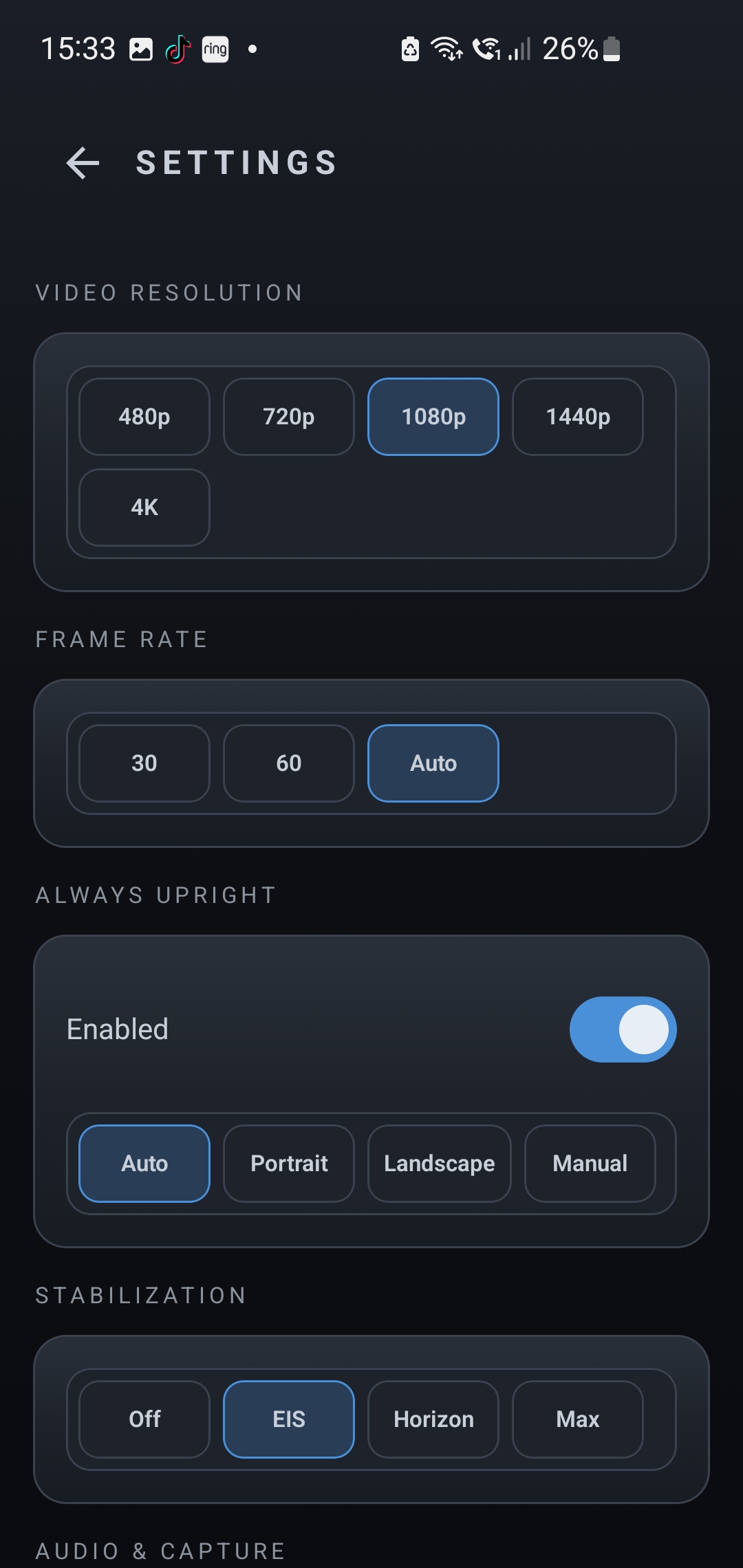
• Live HD video and audio streaming with hardware H.264 encoding and Opus audio
• Remote camera control: zoom, torch (front-light too), camera switching
• Take photos and record video directly from the viewer
• Adaptive bitrate for smooth performance and automatic reconnection
• Works with Wi-Fi Direct (Google Nearby Connections) or over your local Wi-Fi network
Private by design
• Direct device-to-device streaming — no accounts, no servers, no sign-up
• No analytics, no ads, no tracking
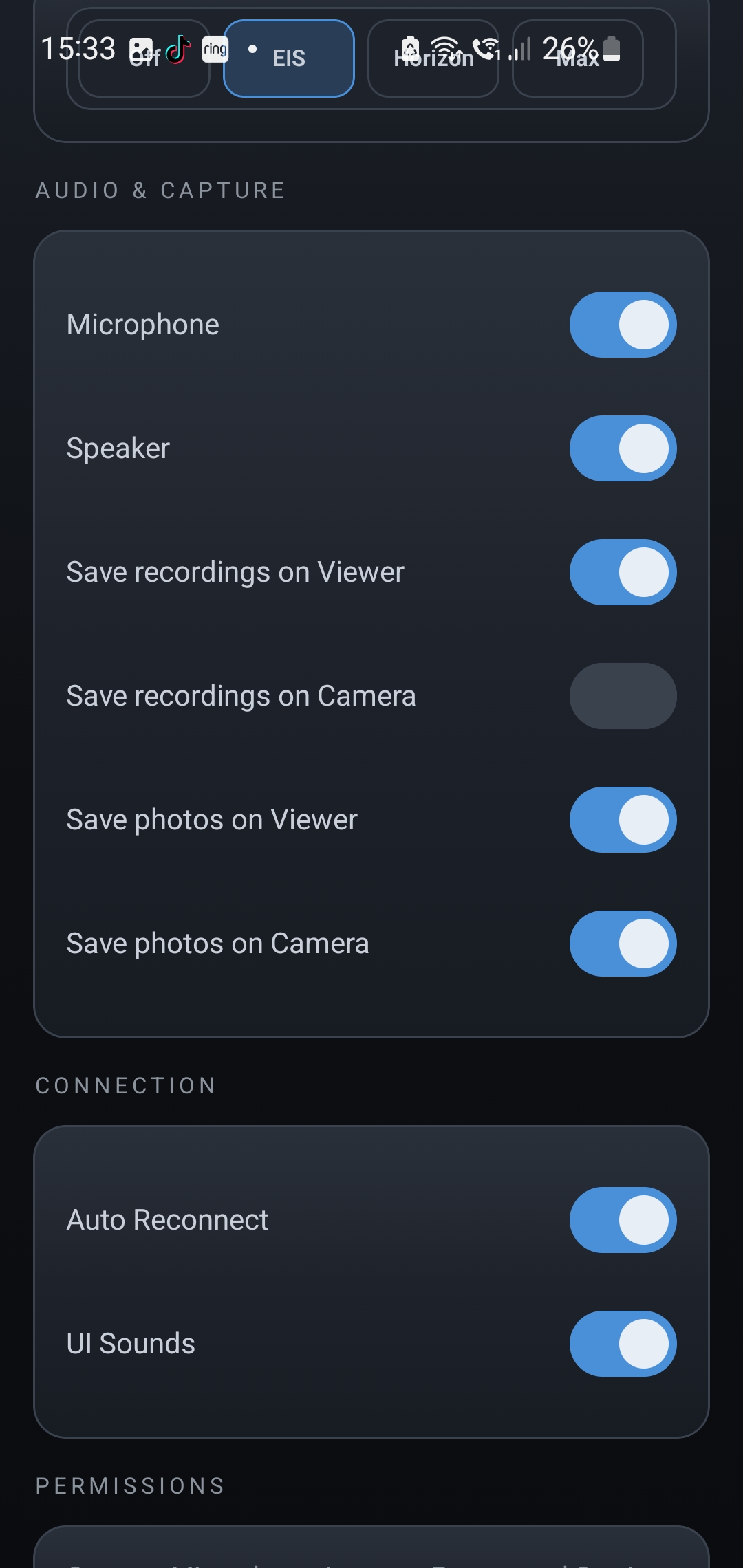
• Photos and recordings are stored only on your devices
• Both devices must deliberately connect; there is no public discovery
Requirements
• Two Android devices (Android 8.0 or later)
• Camera and microphone permissions on the CAMERA device
• Wi-Fi Direct or both devices on the same Wi-Fi network
Support: support@total-carnage.com · total-carnage.com
Testing Instructions
1. Install the app and create an account (or sign in if needed)
2. Complete the onboarding / first-run flow
3. Try the main features for a few minutes each day during the test
4. Note anything that crashes, feels slow, confusing, or broken — include your device model and Android version
5. Submit bugs or ideas from your App Circle testing dashboard
Screenshots
Tap a screenshot to view it full size.
Campaign details
Reward, requirements and how this campaign runs.