Nuke-It
Sign in to apply as a tester and earn coins.
Next step
The one thing to do next with this campaign.
About this app
What it does, how to test it, and what it looks like.
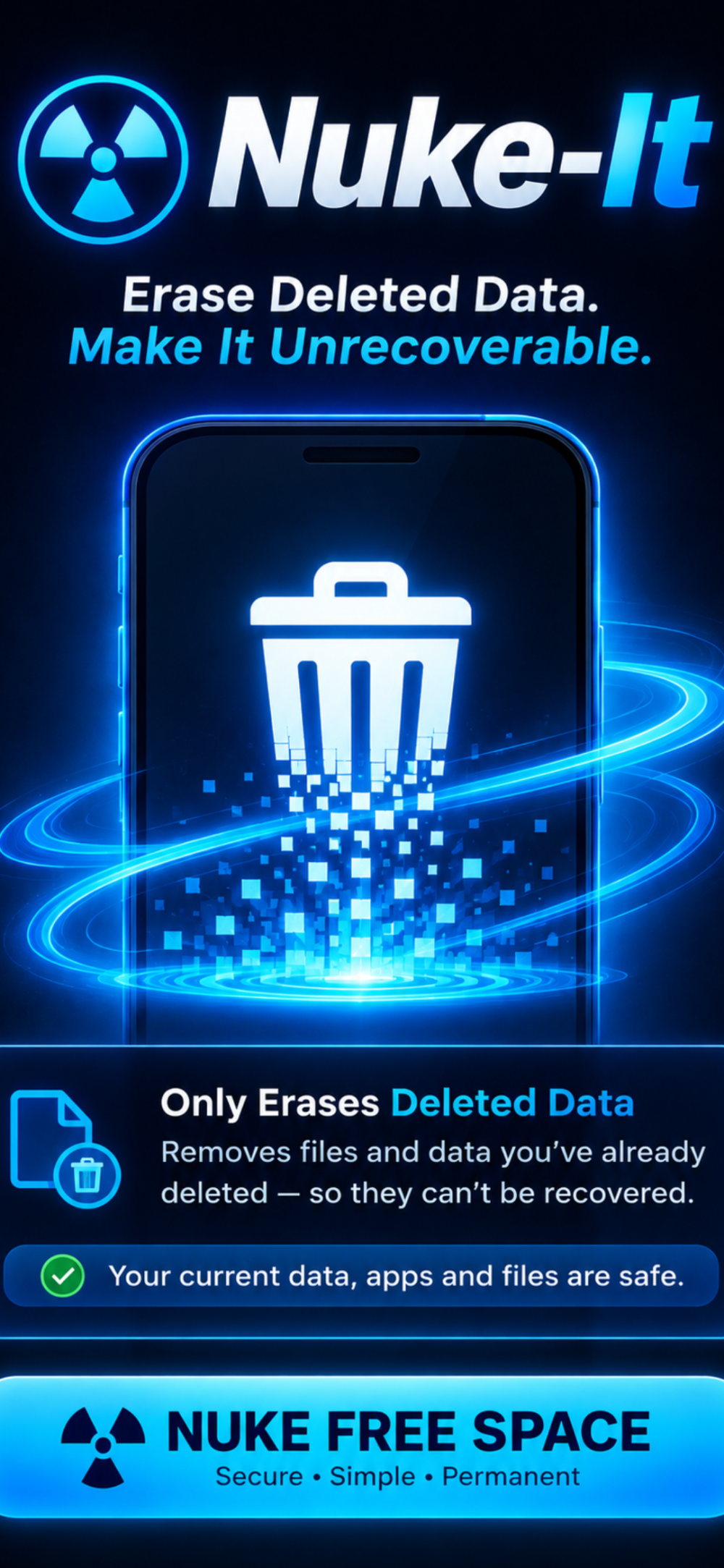
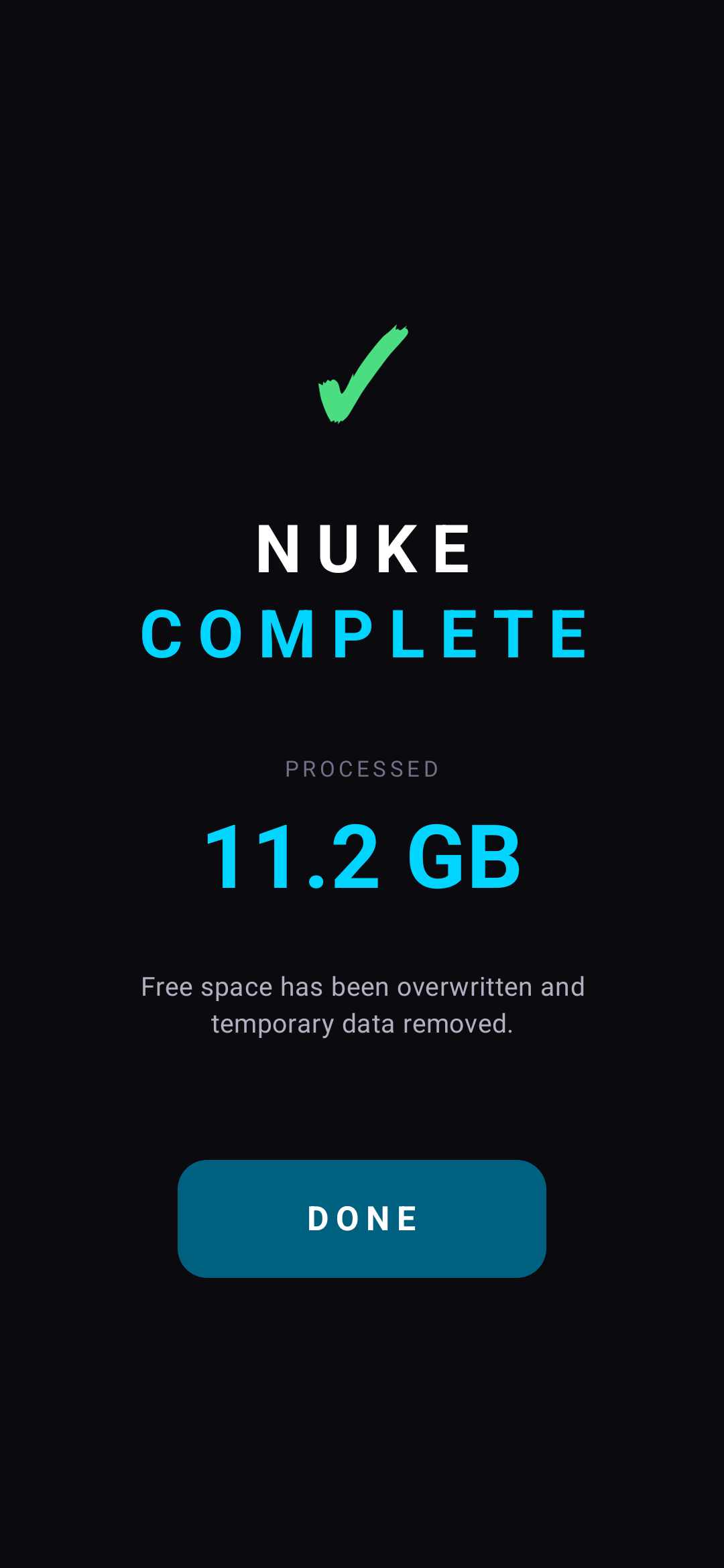
NukeIt overwrites every free byte on your device's internal storage, then removes the temporary files — so deleted data can't be recovered.
Whether you're selling your phone, handing it off, or just want peace of mind, NukeIt makes sure that whatever was on your disk before is truly gone.
━━ HOW IT WORKS ━━
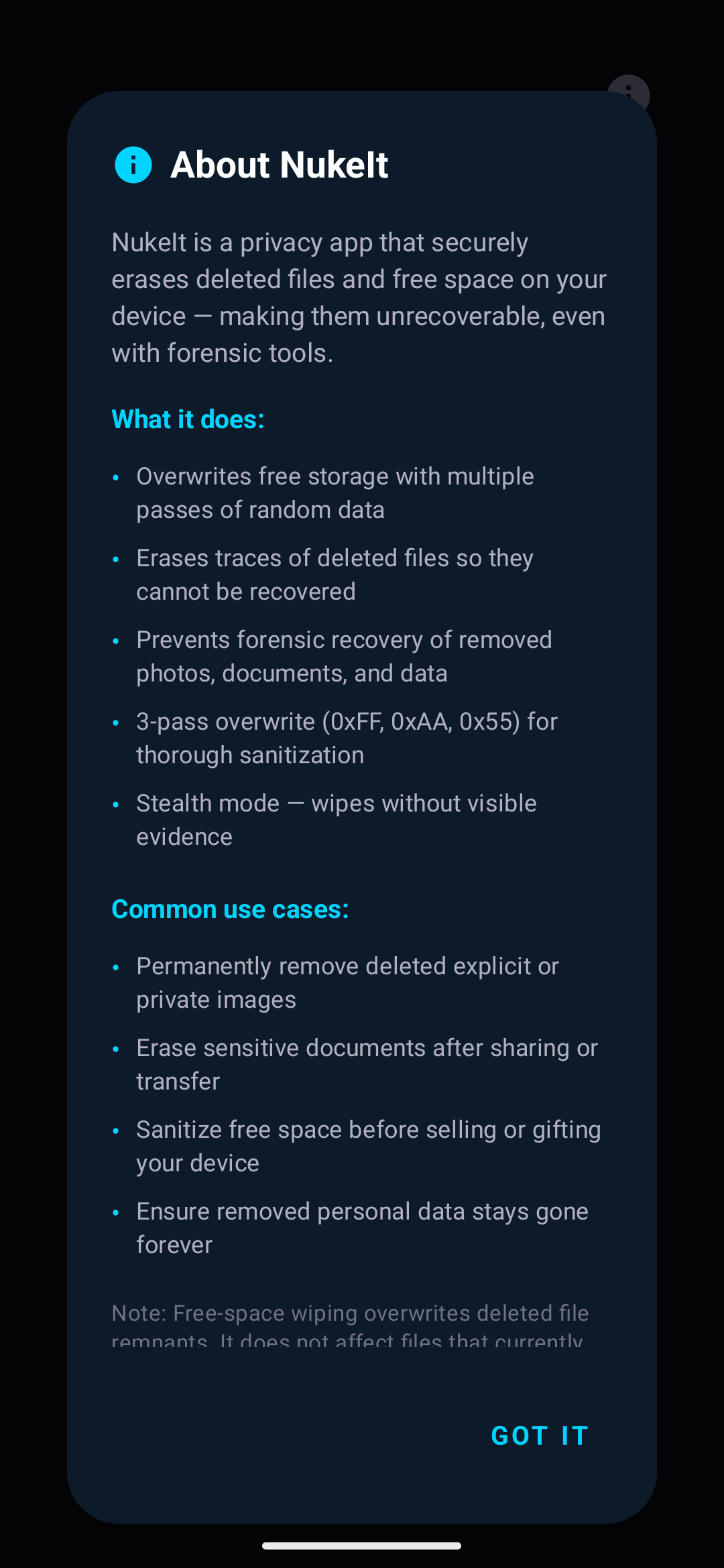
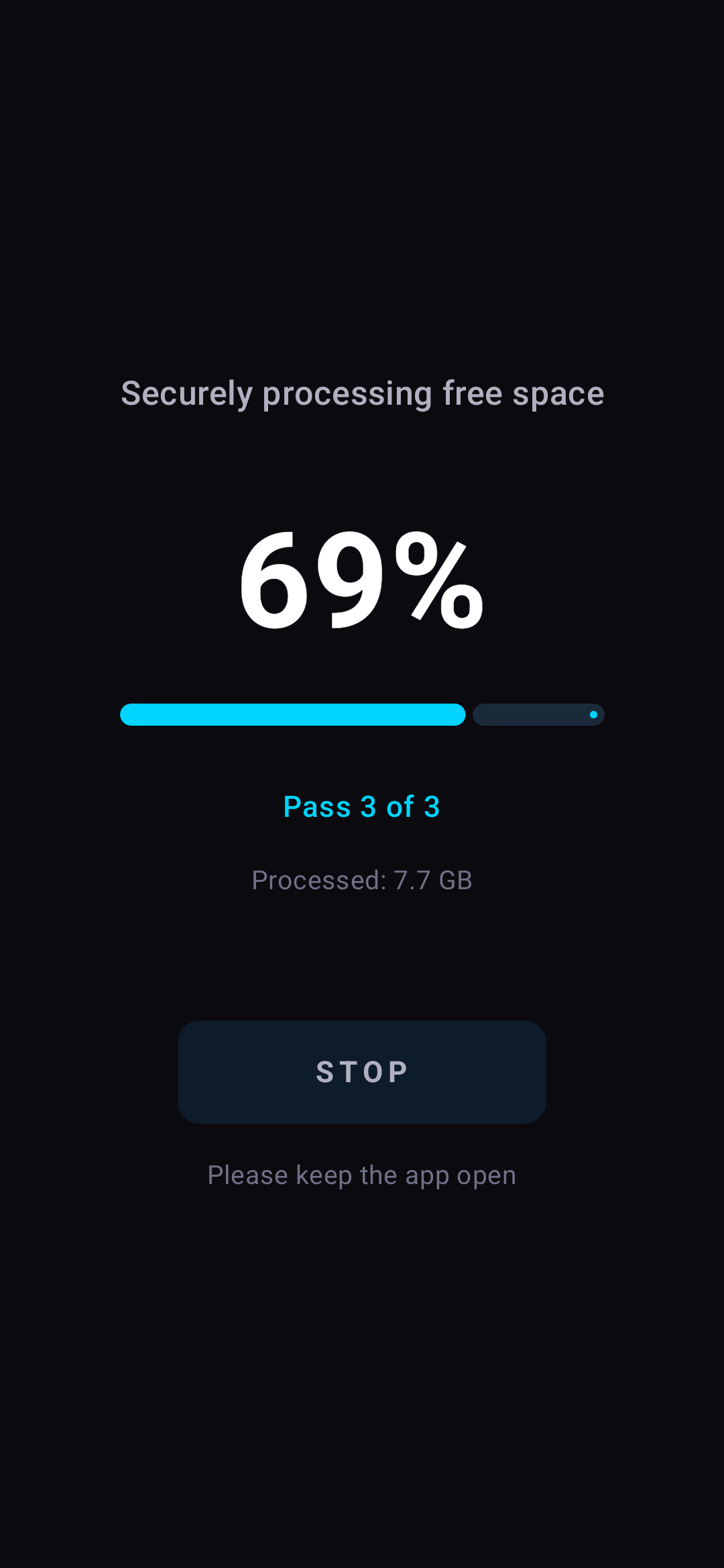
NukeIt fills your entire free space with large temp files, then deletes them in multiple passes. This overwrites the raw disk blocks where your old data once lived. The app never touches your existing files, photos, or documents — only the empty space that's left behind.
━━ FEATURES ━━
• Single or triple-pass overwrite for different security levels
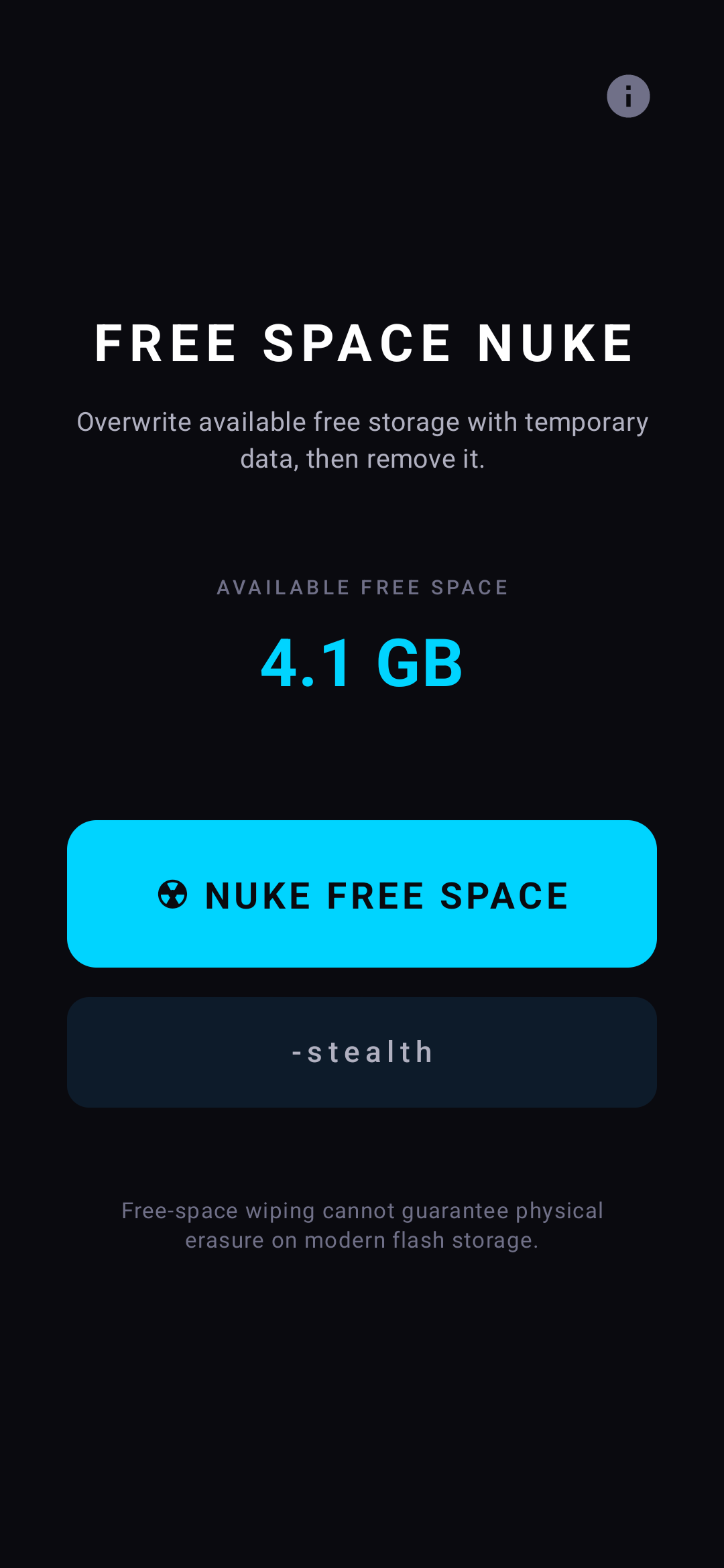
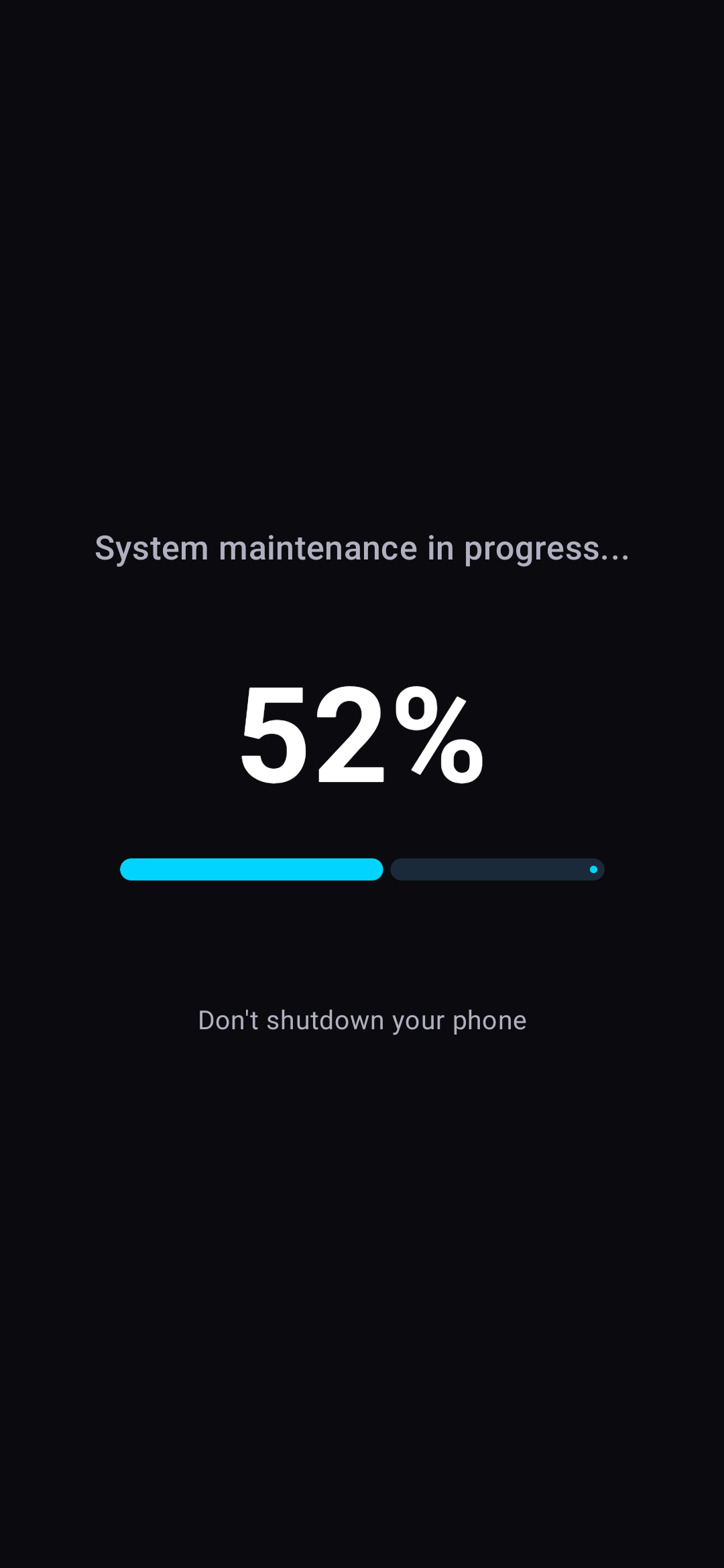
• Stealth mode — shows a fake "System maintenance" screen while wiping
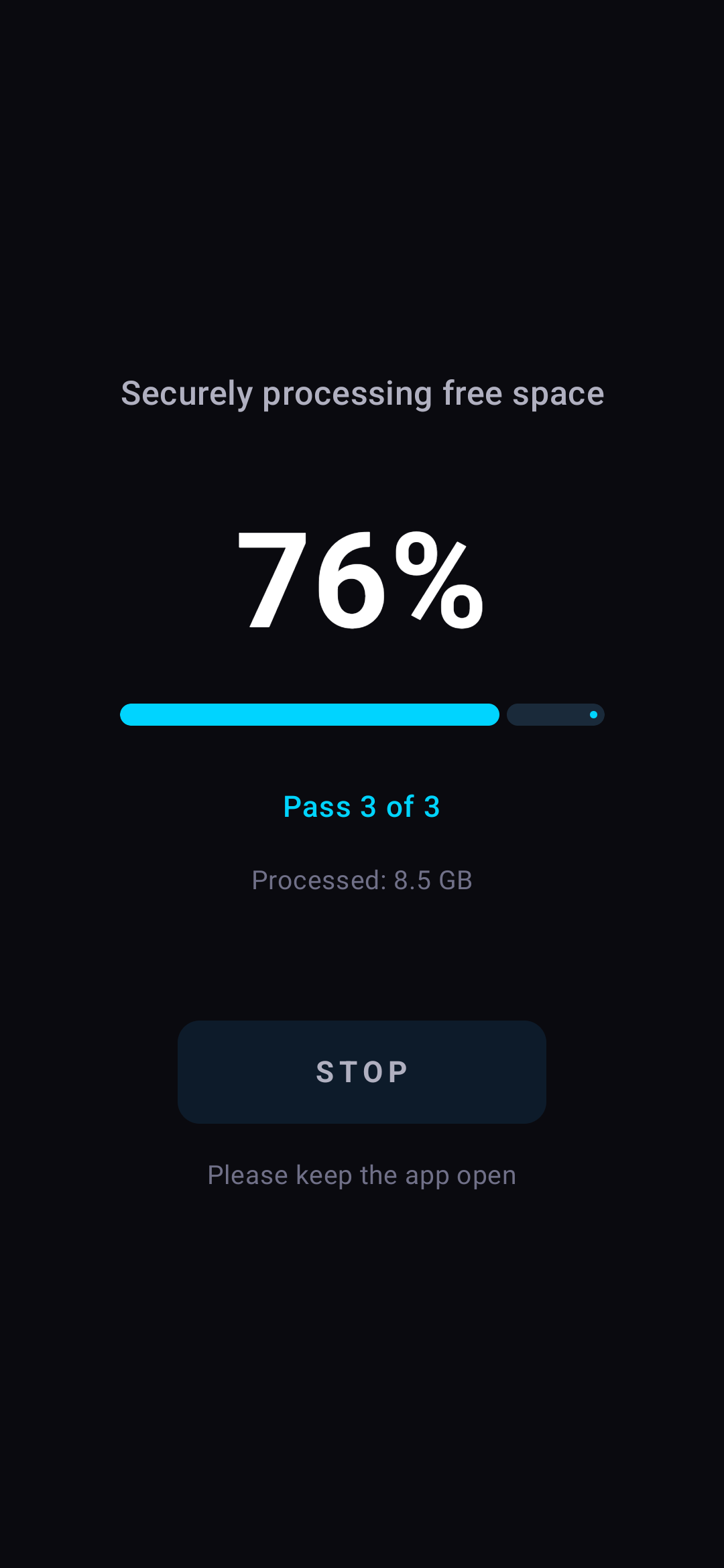
• Real-time progress with percentage and bytes processed
• Free space display so you know what you're working with
• Stop button to cancel mid-wipe
• Automatic cleanup of temp files on reboot
━━ WHY USE IT ━━
Deleting files doesn't actually remove the data from your storage. Android simply marks the space as "available" — the old data sits there until something else overwrites it. NukeIt fills that gap proactively.
━━ PRIVACY ━━
• NukeIt collects zero data — no analytics, no tracking, no network calls
• Everything happens entirely on your device
• No accounts required
• Open-source-friendly, no hidden permissions
━━ IMPORTANT NOTES ━━
• This app wipes free (unused) space only. It will NOT delete your existing files, apps, or personal data.
• A full wipe takes time depending on your storage size — keep your device charged.
• Do not use this on a device that is actively holding important unsynced data — the overwrite is permanent.
━━ SUPPORT ━━
TotalCarnage
support@total-carnage.com
total-carnage.com
Testing Instructions
1. Install the app and create an account (or sign in if needed)
2. Complete the onboarding / first-run flow
3. Try the main features for a few minutes each day during the test
4. Note anything that crashes, feels slow, confusing, or broken — include your device model and Android version
5. Submit bugs or ideas from your App Circle testing dashboard
Screenshots
Tap a screenshot to view it full size.
Campaign details
Reward, requirements and how this campaign runs.