
Receipt Lines
Paused — new applications are closed until you resume.
Next step
The one thing to do next with this campaign.
About this app
What it does, how to test it, and what it looks like.
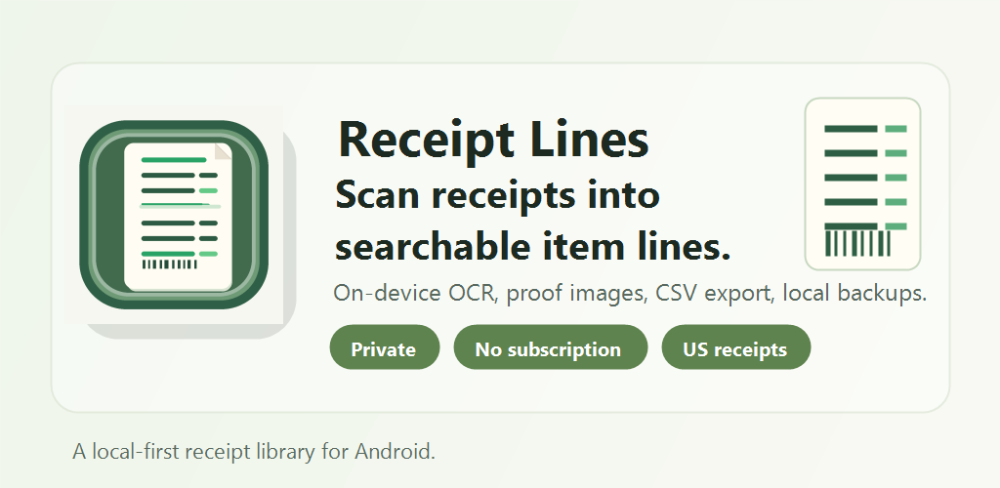
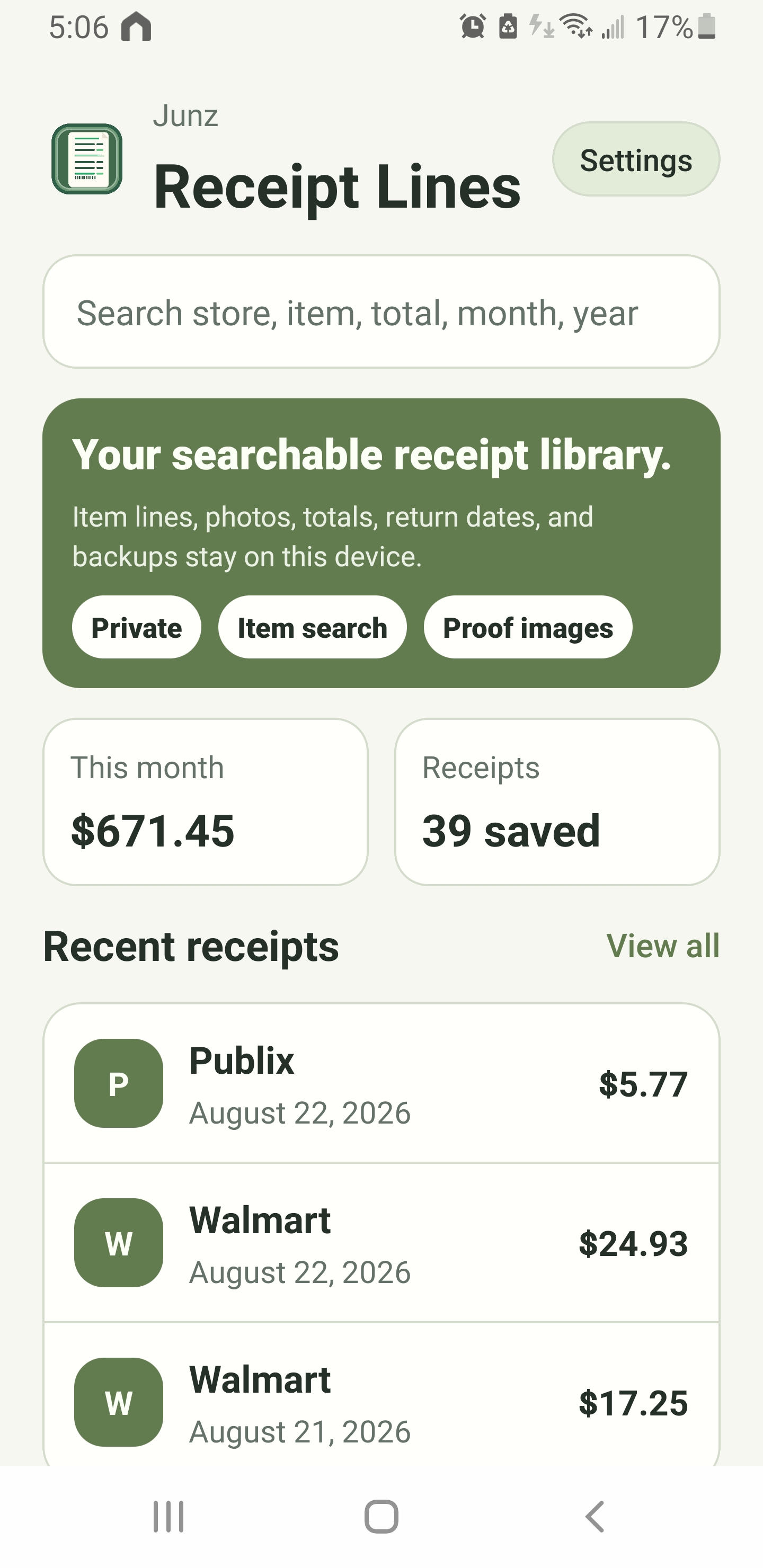
Receipt Lines is a privacy-focused Android utility that scans paper receipts into searchable records with merchant, date, item, price, tax, and total information. It supports major retailers, restaurants, military commissaries, and generic receipts, with all extracted details available for correction. Receipt photos and records remain stored locally on the device, with CSV export and backup/restore tools included.
United States testers only. This is a paid Google Play app, but approved testers will receive an individual promotional code for a free download. Closed testers can also click in the Buy or Pay button to download, you will not be charge because the group is exempted.
Testing Instructions
UNITED STATES TESTERS ONLY
1. Join the provided Google Group and opt in to the Google Play closed test.
2. For U.S., Redeem the assigned promotional code.
For Non- U.S. testers :
After joining Google Group and opt in to the Google Play closed test, download the app for free once you opted in at the installed link.
You will still see a PAY button (click it) but you won't be charge because the to the App Circle Google Group has been added under License testing.
3. Install Receipt Lines and complete the first-run setup. No account or sign-in is required.
4. Scan or import at least three receipts, preferably:
- one short receipt,
- one long receipt from a major retailer,
- one receipt from a restaurant or local store.
5. Review the merchant, date, line items, prices, tax, and total. Correct any OCR errors using the editing controls.
6. Search saved receipts by merchant, item description, date, and price.
7. Open a receipt image and test pinch-to-zoom and dragging while zoomed.
8. Test CSV export and, if practical, backup and restore.
9. Use the app periodically throughout the testing period. Report crashes, missing items, incorrect prices, confusing behavior, or other problems through App Circle. Include your Android version and device model.
Receipt information stays locally on the device. Testers may cover personal or payment information before scanning.
Screenshots
Tap a screenshot to view it full size.
Campaign details
Reward, requirements and how this campaign runs.