Qr scan
live
Sign in to apply as a tester and earn coins.
Next step
The one thing to do next with this campaign.
About this app
What it does, how to test it, and what it looks like.
Scan QR
Testing Instructions
1. Install the app and create an account (or sign in if needed)
2. Complete the onboarding / first-run flow
3. Try the main features for a few minutes each day during the test
4. Note anything that crashes, feels slow, confusing, or broken — include your device model and Android version
5. Submit bugs or ideas from your App Circle testing dashboard
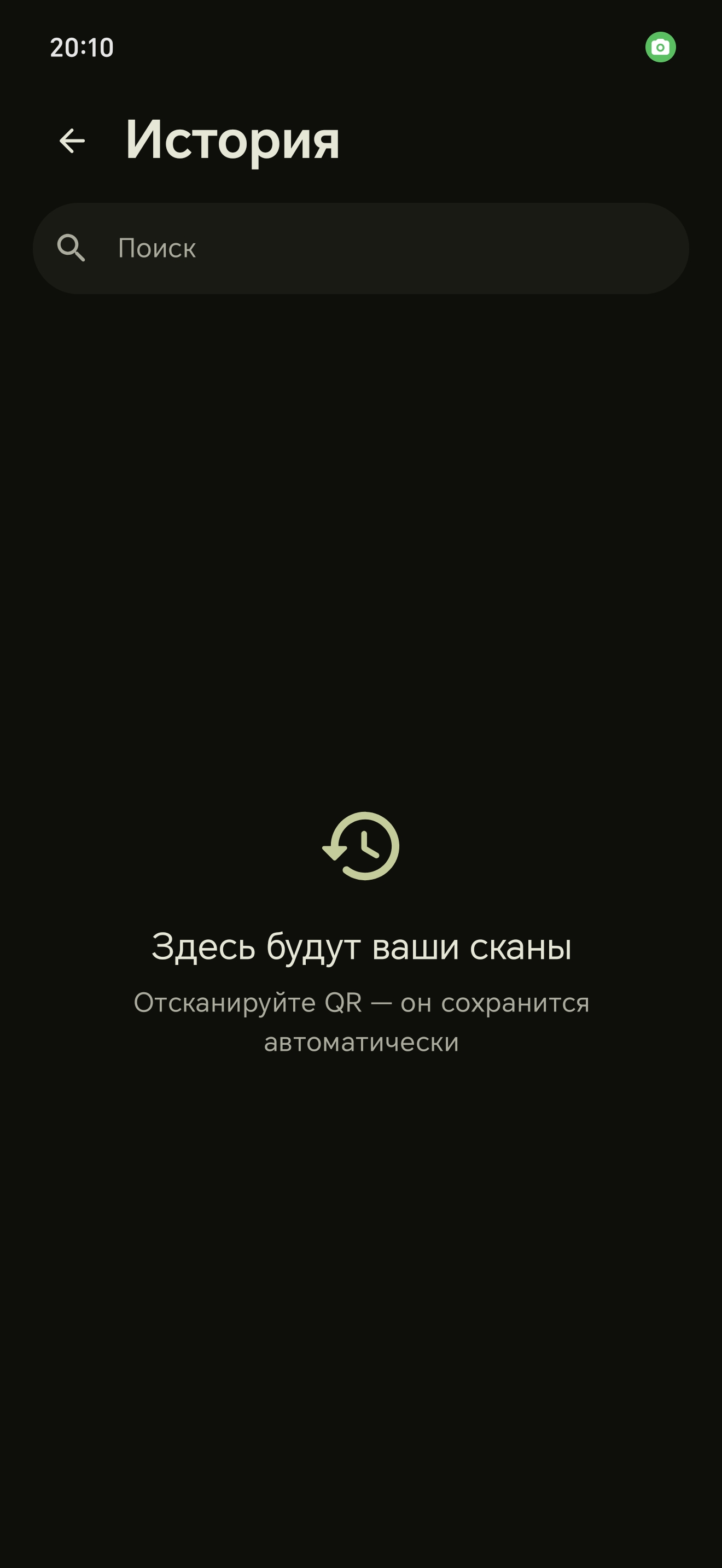
Screenshots
Tap a screenshot to view it full size.
Campaign details
Reward, requirements and how this campaign runs.
Reward & schedule
Daily reward0.1 coins / tester / day
End dateNone — until poster completes
To finishFeedback optional
Requirements
Min Android8.0
Age rating
3+
Platform
Android
Testing type
Play closed testing
Signup in app
Not required
App size and package name
Packageapp.qrscan