
Drift Off: Sleep Scenes
Melde dich an, um dich als Tester zu bewerben und Münzen zu verdienen.
Nächster Schritt
Das eine, was du mit dieser Kampagne als Nächstes tun solltest.
Über diese App
Was sie kann, wie du sie testest und wie sie aussieht.
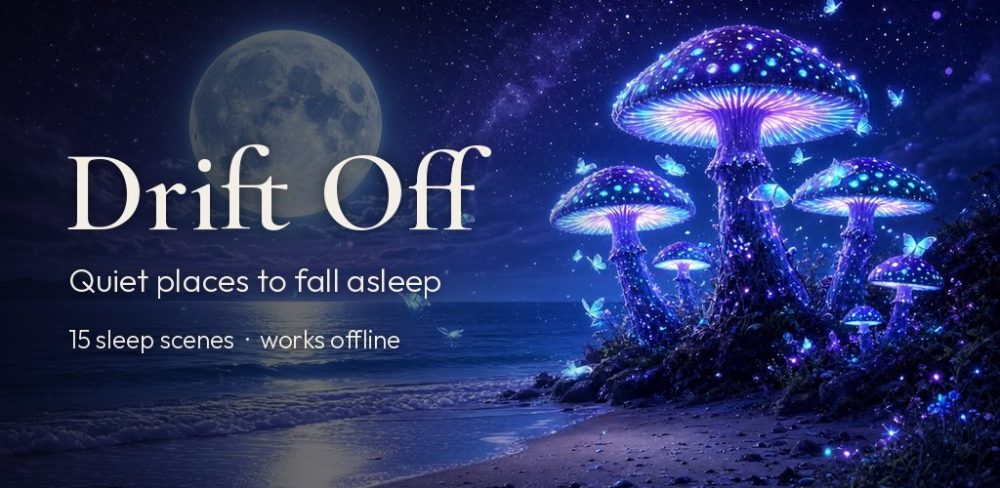
Drift Off is a quiet place to fall asleep.
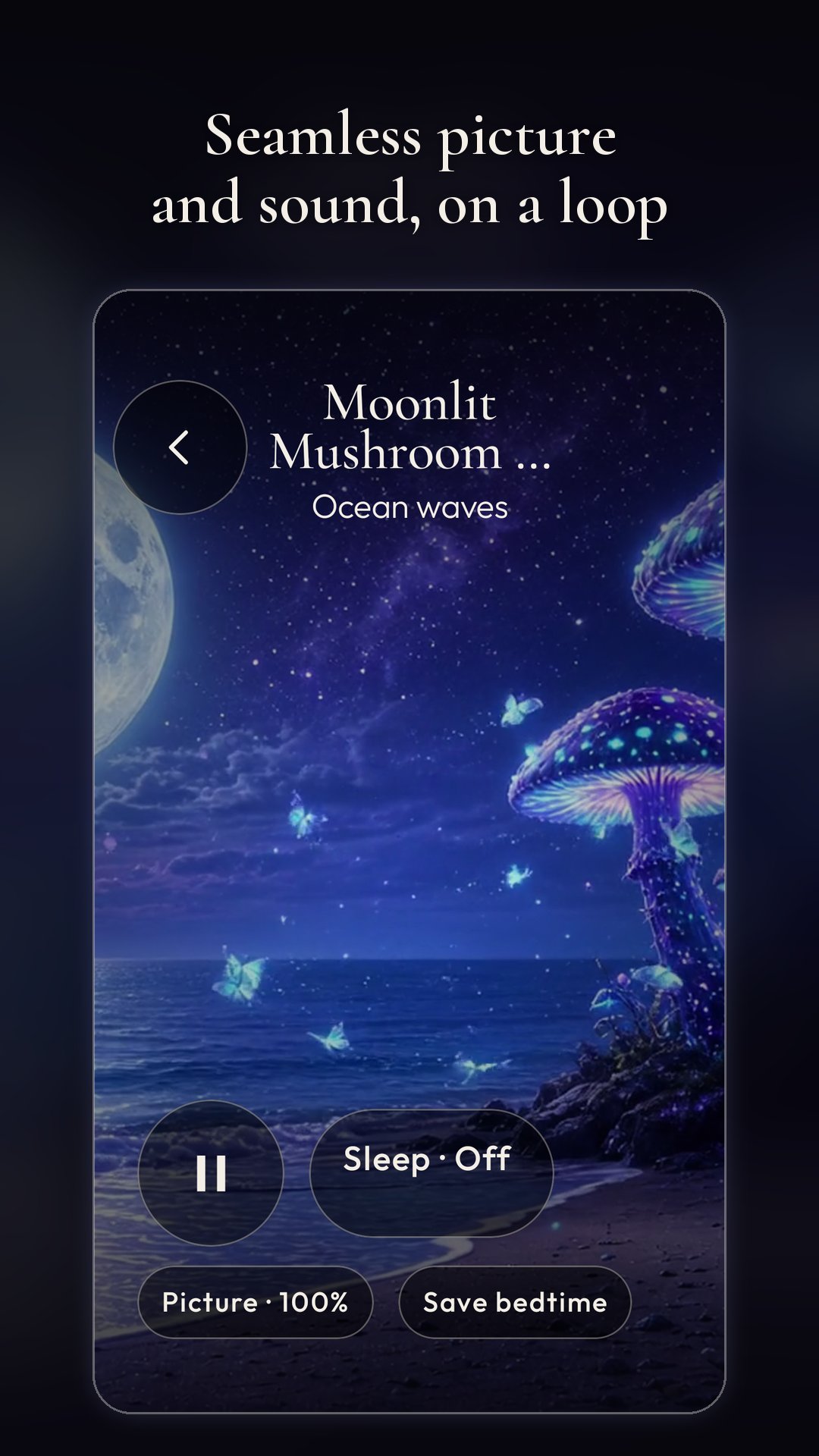
Choose a scene and it fills your screen with a slow, seamless video loop and its own soundscape. Picture and sound each loop smoothly with no gaps or clicks.
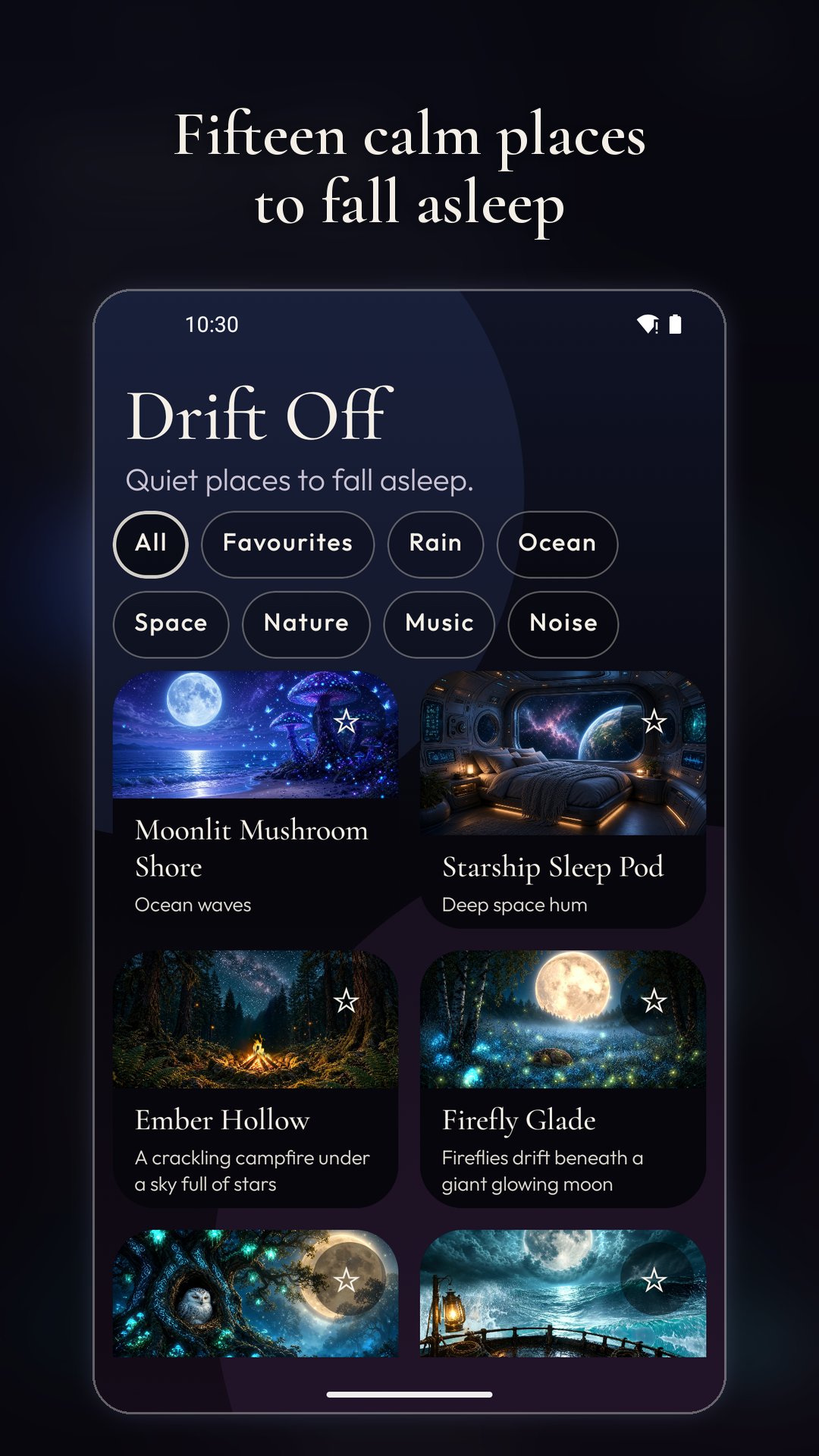
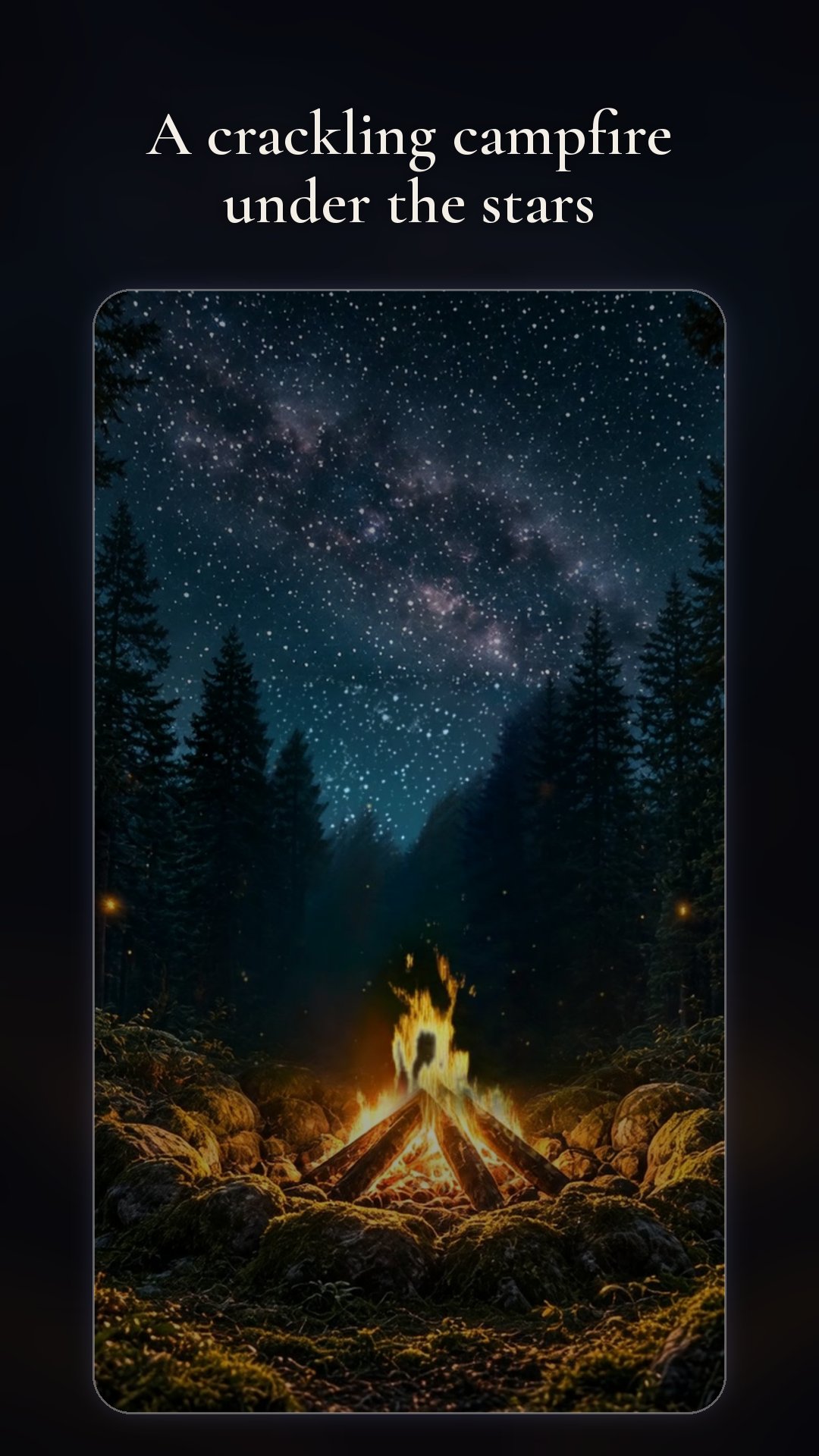
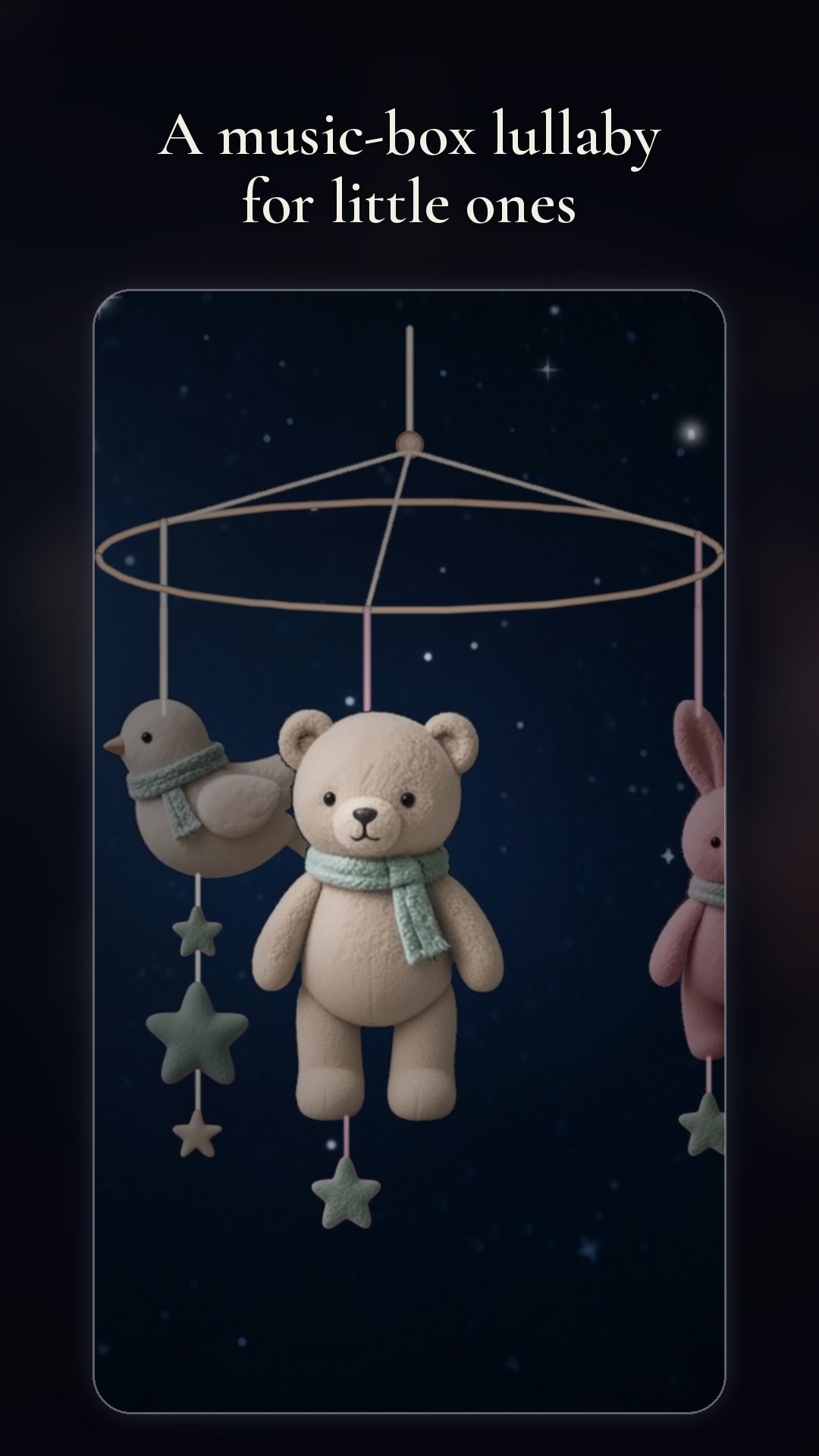
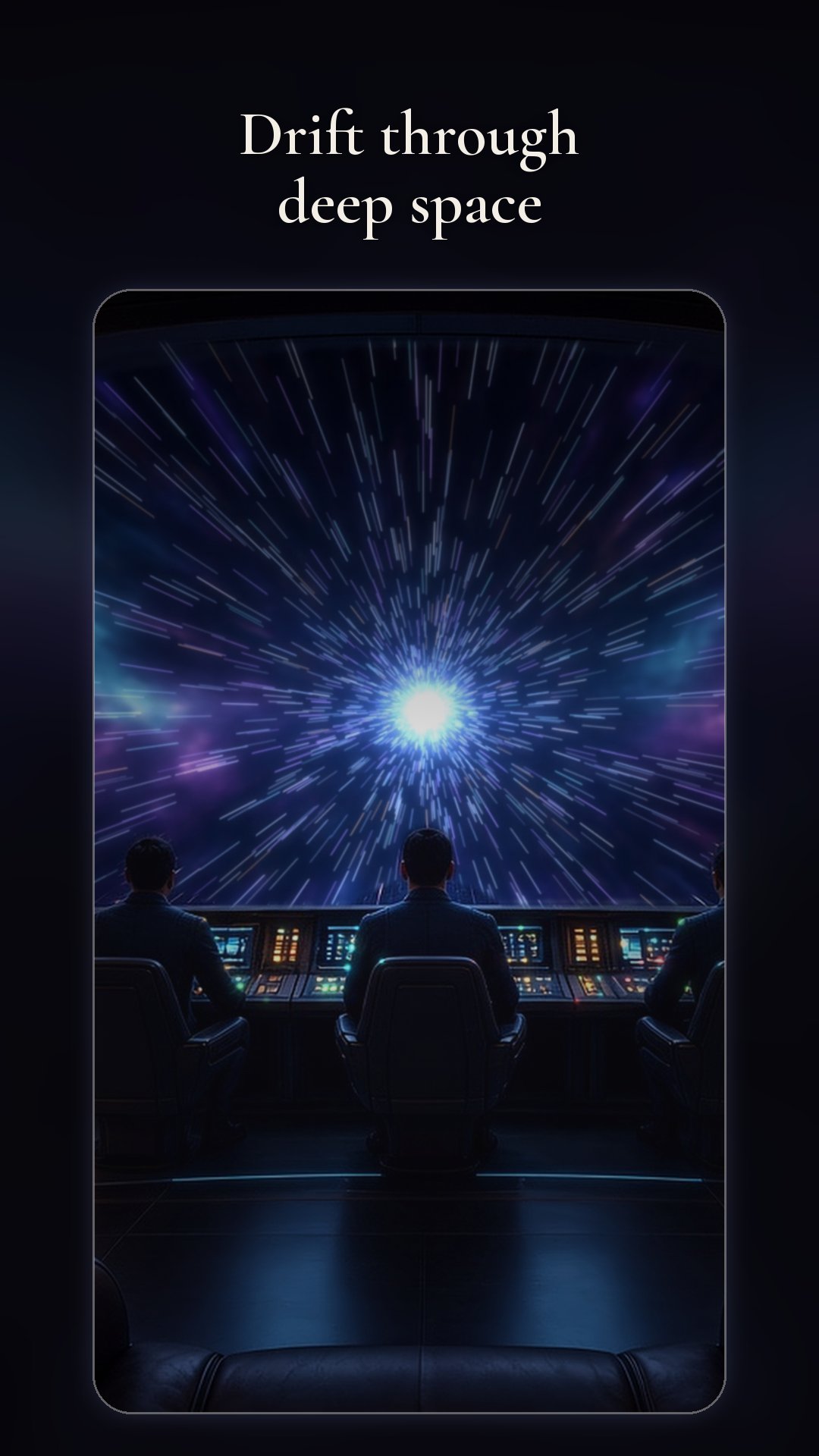
15 scenes: Moonlit Mushroom Shore, Starship Sleep Pod, Ember Hollow, Firefly Glade, Owl's Watch, Storm Deck, Alien Falls, Nebula Observatory, Warp Bridge, Meteor Skies, Alien Ocean, Thunder Marsh, TV Static, Piano Room, and Baby Mobile.
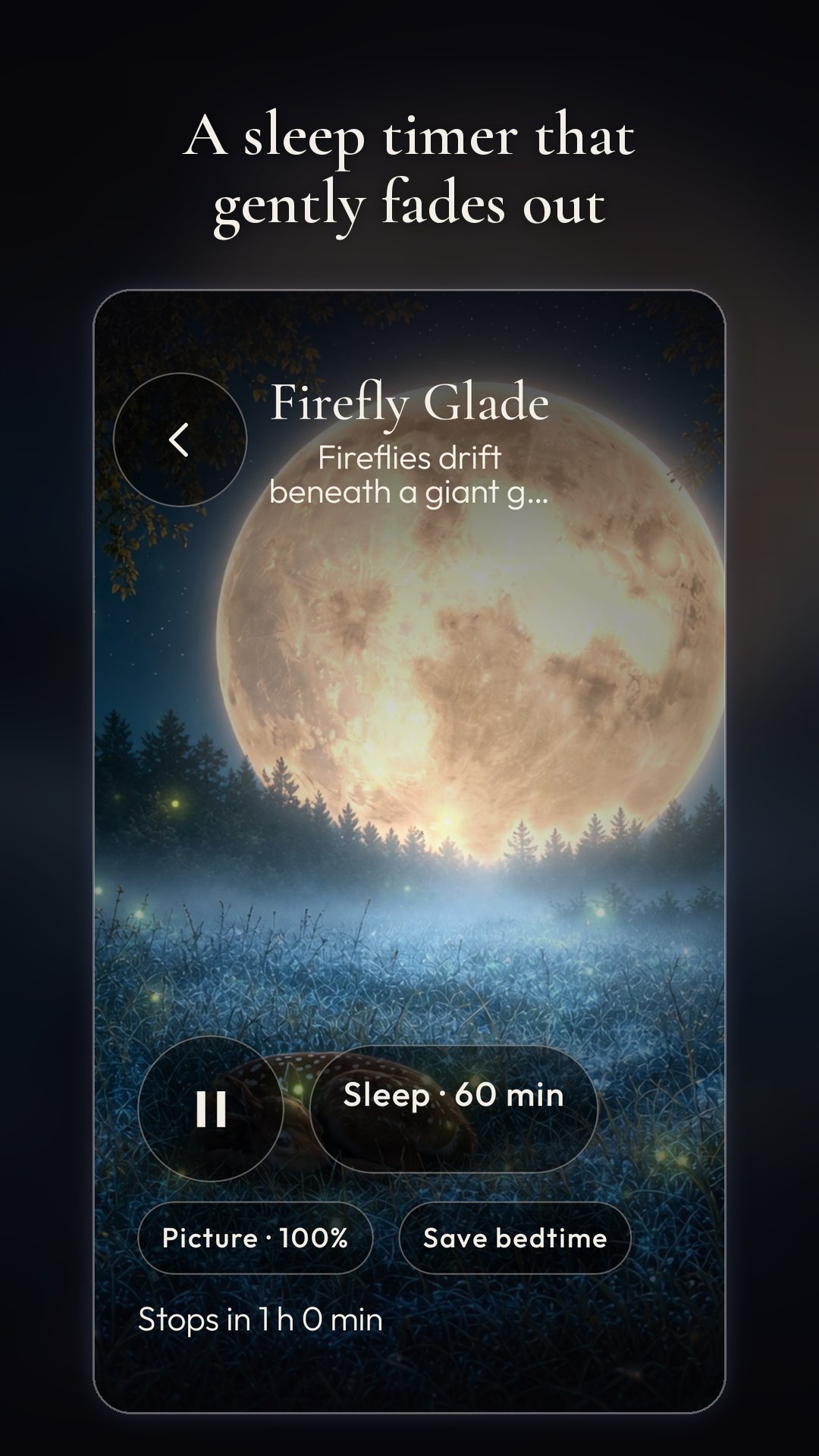
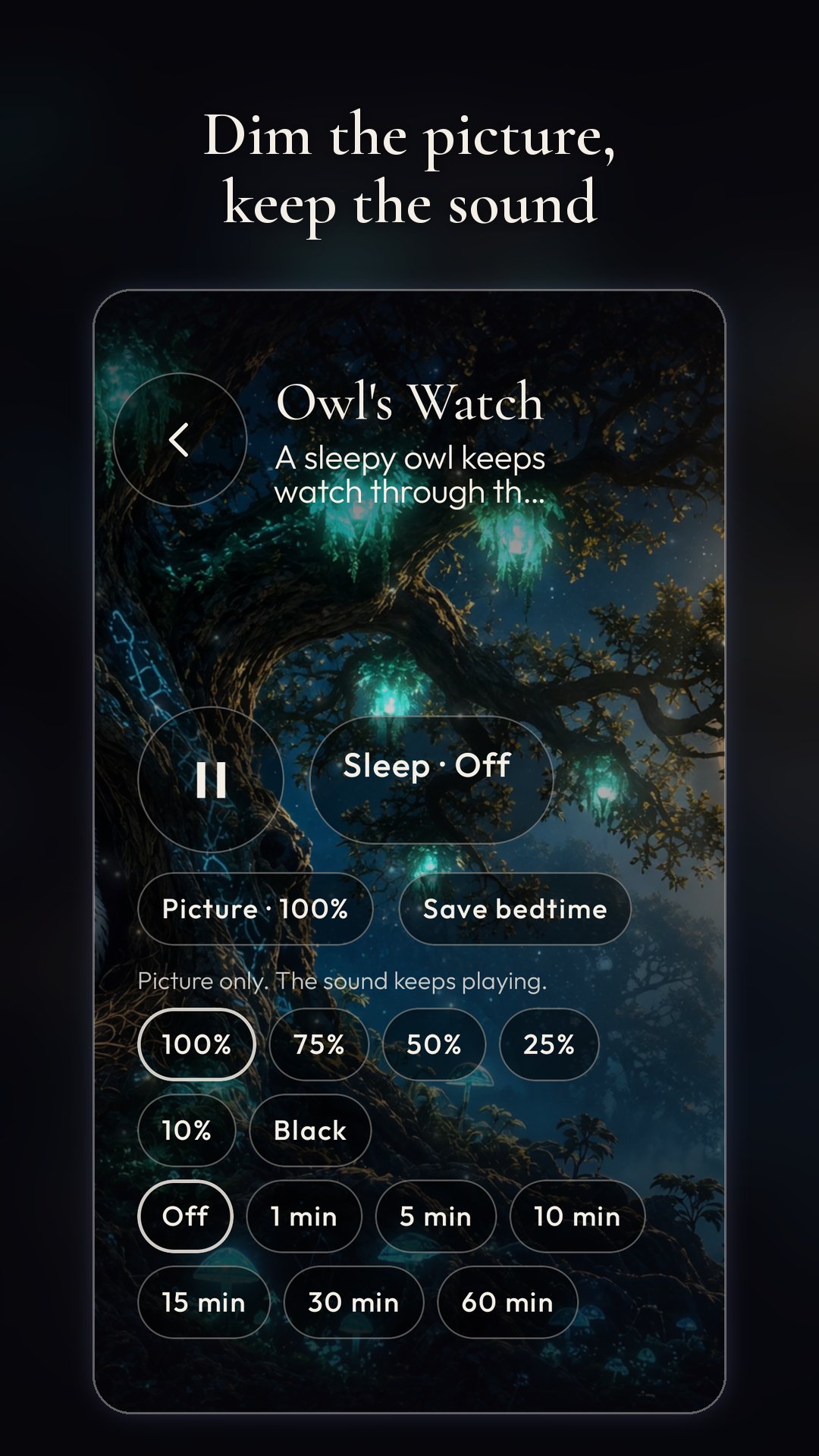
Sleep timer (15–90 min, 2h or 8h) fades sound and picture out together. Dim the picture (or fade to black) while sound keeps playing. Sound continues with the screen off, with notification and lock-screen controls.
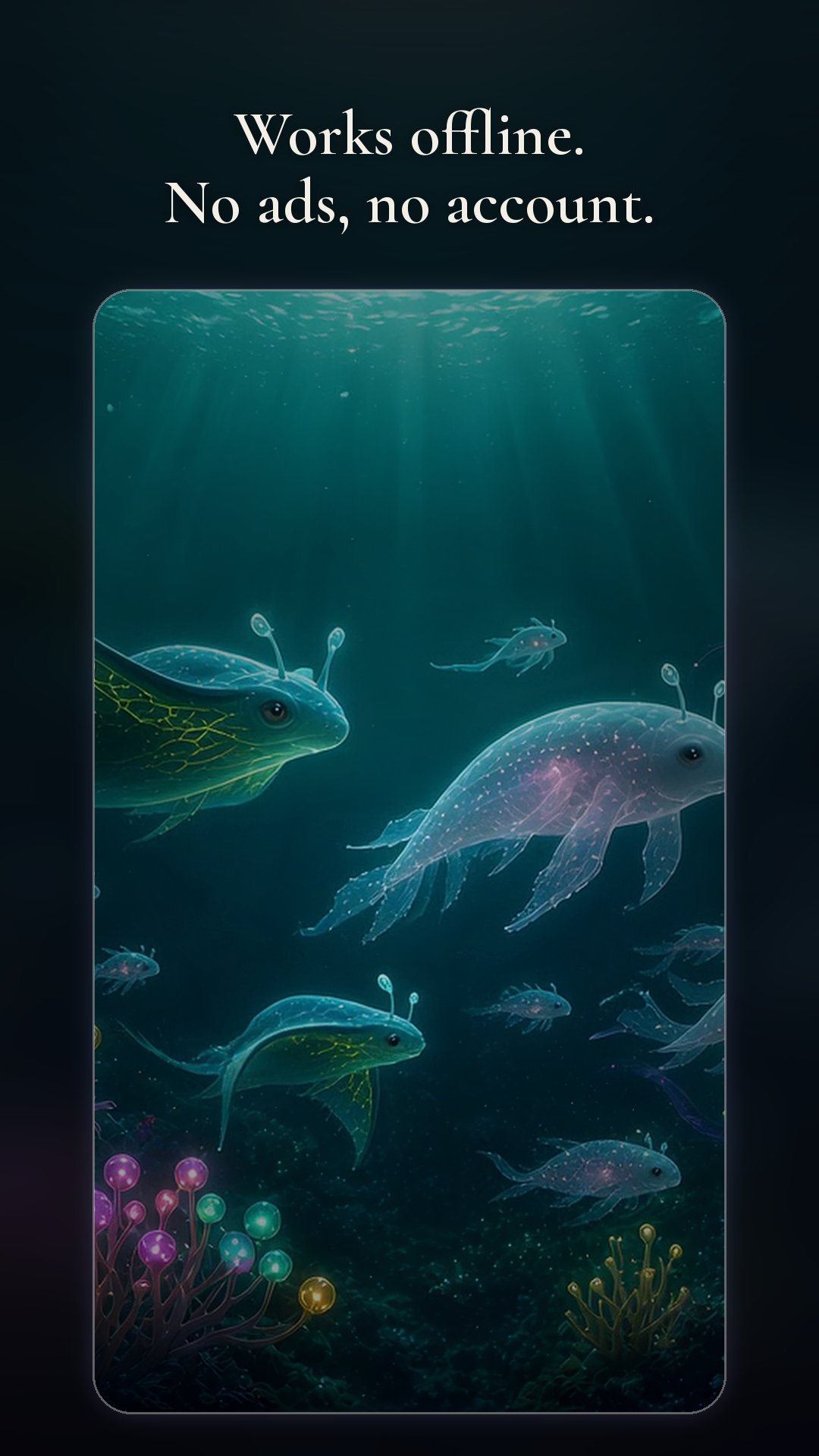
Star favourites, browse by Rain, Ocean, Space, Nature, Music or Noise, and save one bedtime setup. All scenes ship in the download — works offline. No account, no ads, no tracking. Free. Large download (~850 MB) because every scene is included.
Testanleitung
1. After you are accepted, open the Play tester access link from this campaign, join the closed test, and install Drift Off: Sleep Scenes (package com.totalcarnage.driftoff). Allow the large download to finish — scenes are bundled, about 850 MB.
2. No account needed. Open the app, pick any scene, and confirm video and sound loop smoothly with no gaps or clicks.
3. Try the sleep timer (pick a short time first) and check that sound and picture fade out together when it ends.
4. Dim the picture (and try fade-to-black) while sound keeps playing. Lock the phone and confirm sound continues with notification / lock-screen controls.
5. Star a favourite, browse a category, and save a bedtime setup; reopen the app later and check they stick.
6. Use the app for a few minutes each day while the campaign is running. Note crashes, freezes, audio glitches, confusing UI, or device/Android version issues.
7. Submit bugs or ideas from your App Circle testing dashboard. Keep the app installed until the poster marks the campaign complete.
Bildschirmfotos
Tippe auf einen Screenshot, um ihn in voller Größe zu sehen.
Kampagnendetails
Belohnung, Voraussetzungen und wie diese Kampagne abläuft.